Upload Your Image
Upload a product photo, portrait, or object image in JPG, PNG, or WebP format.
Limited-time offer: save up to 30% on subscriptions
Upgrade NowModel guide & tool preview. The descriptions and examples on this page do not mean this model or tool is available here. The current Banana 2.1 studio uses Nano Banana 2.1 Pro for text-to-image generation. Reference editing, additional models and dedicated photo tools are coming soon. Open the current image studio →
Click to upload an image
Supports JPG, PNG, or WebP files up to 5MB.
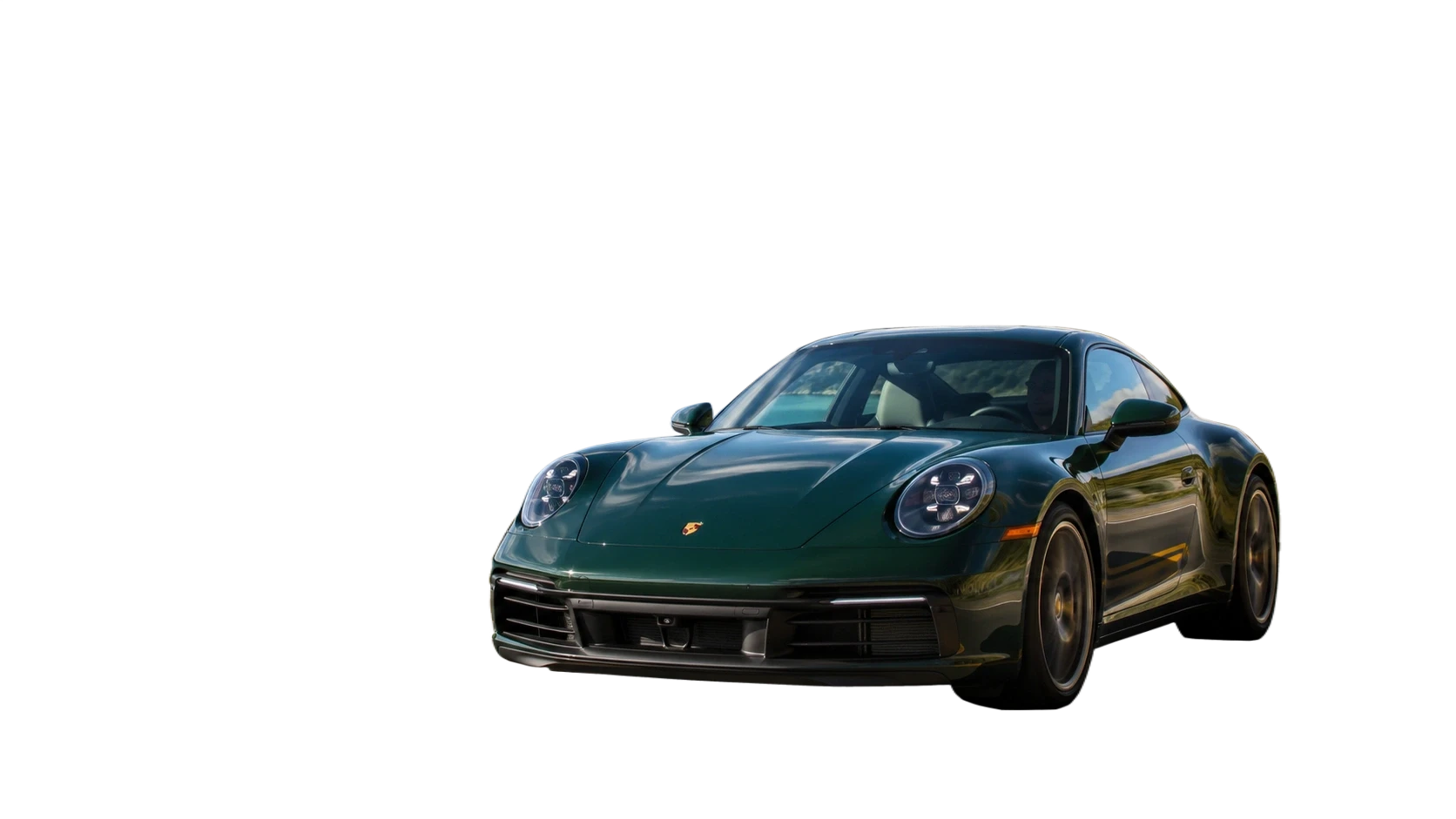

Upload an image, let AI remove the background, and create a transparent PNG ready for any creative project.




Remove image backgrounds in one click and create transparent PNGs for product photos, logos, profile pictures, and design assets—fast, clean, and professional.
Create Cleaner Product Photos That Convert
Remove cluttered backgrounds in one click and turn product shots into clean, professional visuals that highlight your products and build buyer trust.
Remove Logo Backgrounds in One Click
Upload your logo and let AI remove the background automatically. Download a transparent PNG for websites, e-commerce, brand kits, and marketing assets.
Make a Professional Profile Picture
Remove the background from your portrait and create a clean, natural profile image for resumes, portfolios, and professional profiles.
Prepare Design Assets Faster
Skip tedious manual cutouts in Photoshop. Use AI to remove backgrounds quickly and export clean transparent assets for your next design.
Upload your image, let AI detect the subject and remove the background, then download a clean transparent result.
Upload a product photo, portrait, or object image in JPG, PNG, or WebP format.
The background remover automatically detects the subject and separates it from the original background.
Preview the result and download your transparent background image in one click.
Discover more practical AI image tools for different creative workflows and create visual content faster.
Learn more about removing image backgrounds, downloading transparent PNGs, and keeping your uploads private.
An AI background remover is an online image tool that automatically detects the main subject in a photo and removes the surrounding background, so you can get a clean, professional cutout without manual editing.





Explore image ideas and examples