Upload your image
Choose an image from your device or paste an online image URL to start the analysis.
Limited-time offer: save up to 30% on subscriptions
Upgrade NowModel guide & tool preview. The descriptions and examples on this page do not mean this model or tool is available here. The current Banana 2.1 studio uses Nano Banana 2.1 Pro for text-to-image generation. Reference editing, additional models and dedicated photo tools are coming soon. Open the current image studio →
AI analyzes composition, subject, style, lighting, color, camera details, and materials—not just the basic content of the image.
View Prompt ExamplesUpload an image and let AI analyze its subject, style, composition, and visual details, then turn them into a prompt ready for AI image generation.
Understand the Visual Details in Your Image
AI analyzes the subject, scene, composition, lighting, color, camera angle, materials, and overall style so you can quickly understand how the image is put together.
Generate Ready-to-Use Image Prompts
AI organizes the detected visual details into a clear, structured prompt for image generation. Copy it as is or edit it to recreate a similar scene, style, and composition.
Choose Your Prompt Detail Level
Choose from concise, standard, or detailed output. Capture the essential elements quickly or extract more visual detail based on what you want to generate.
Go from uploading an image to getting a ready-to-use AI prompt through a simple, fast process.
Choose an image from your device or paste an online image URL to start the analysis.
Select concise, standard, or detailed output to control how much information the prompt includes.
Copy the generated prompt, edit it further, or open it in Studio to create a new image.
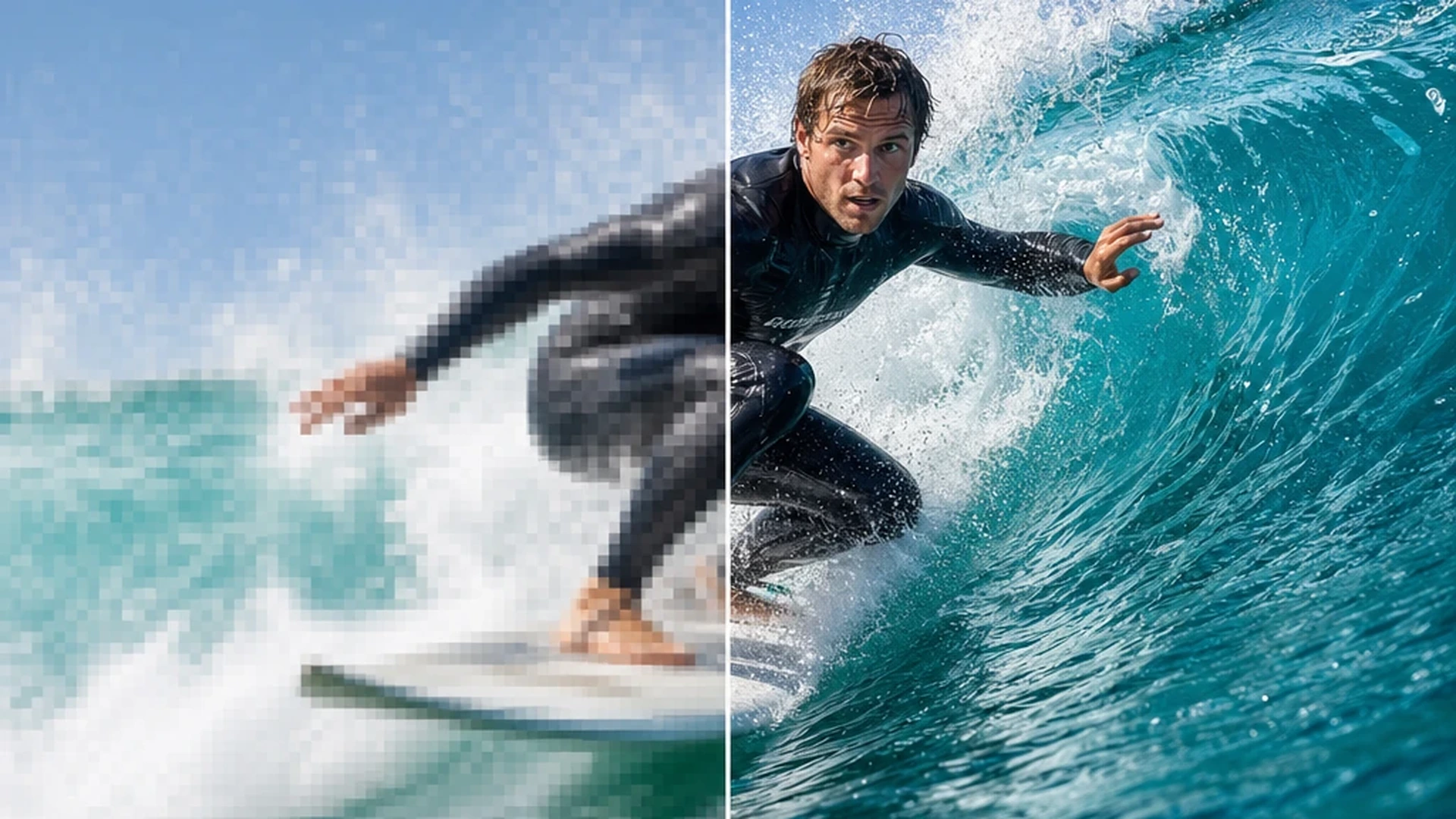
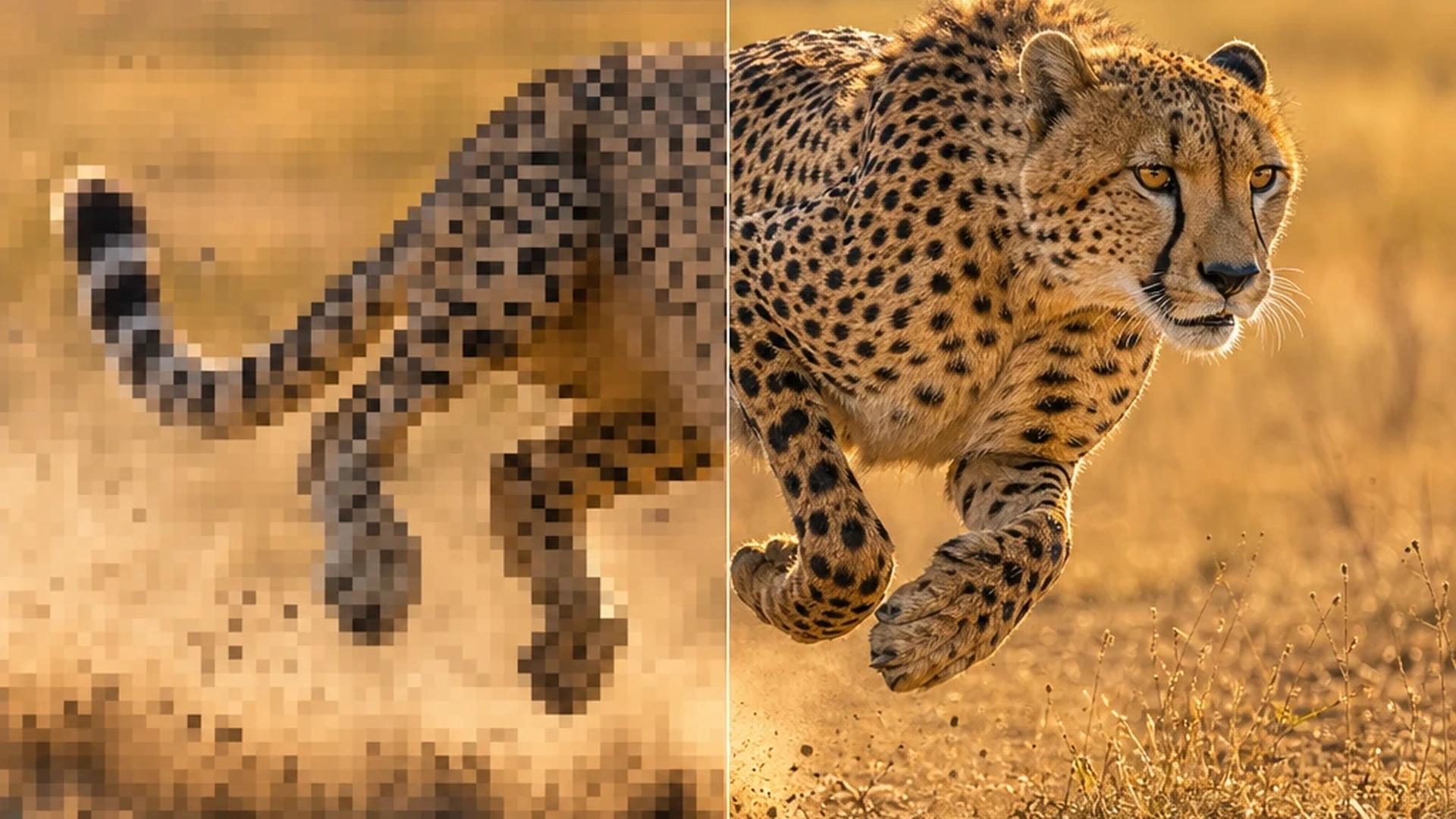
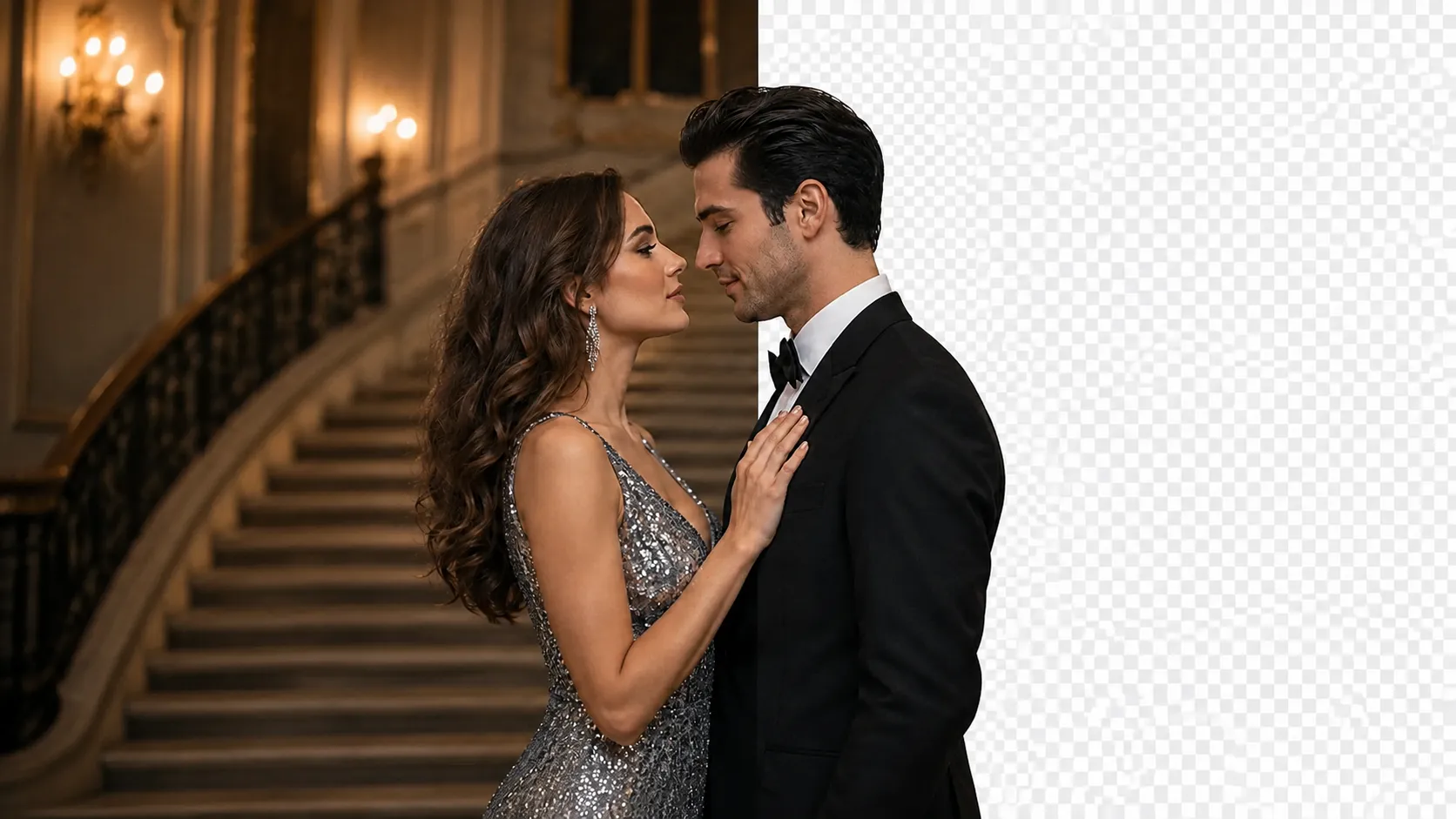
Enhance image quality, upscale resolution, or remove backgrounds in one click to keep refining your images and creative assets.
Learn how the Image to Prompt tool works, what results to expect, and how to use it.
An image-to-prompt generator uses AI to analyze an image and create a text prompt. After you upload an image, it identifies visual elements such as the subject, scene, composition, lighting, color, and style, then turns them into a prompt you can use with AI image generators. This makes it easier to recreate or draw inspiration from the original image.




Explore image ideas and examples