Limited-time offer: save up to 30% on subscriptions

Upgrade Now

Seedream 4.5 Model Guide & Image Examples

Model guide & tool preview. The descriptions and examples on this page do not mean this model or tool is available here. The current Banana 2.1 studio uses Nano Banana 2.1 Pro for text-to-image generation. Reference editing, additional models and dedicated photo tools are coming soon. Open the current image studio →

Use Seedream 4.5 online to create high-resolution AI images for text-to-image, reference image editing, product shots, ad posters, and social media visuals. Enter a prompt and quickly generate stable, professional creative assets for commercial use.

Use Seedream 4.5 Online

Enter a prompt to quickly generate high-resolution AI images, posters, product shots, and creative visuals.

Seedream 4.5 Examples and Results

Explore portraits, text posters, product visuals, and multi-image composition examples to see how Seedream 4.5 performs across real creative workflows.

01

Preserve Subject Details Precisely

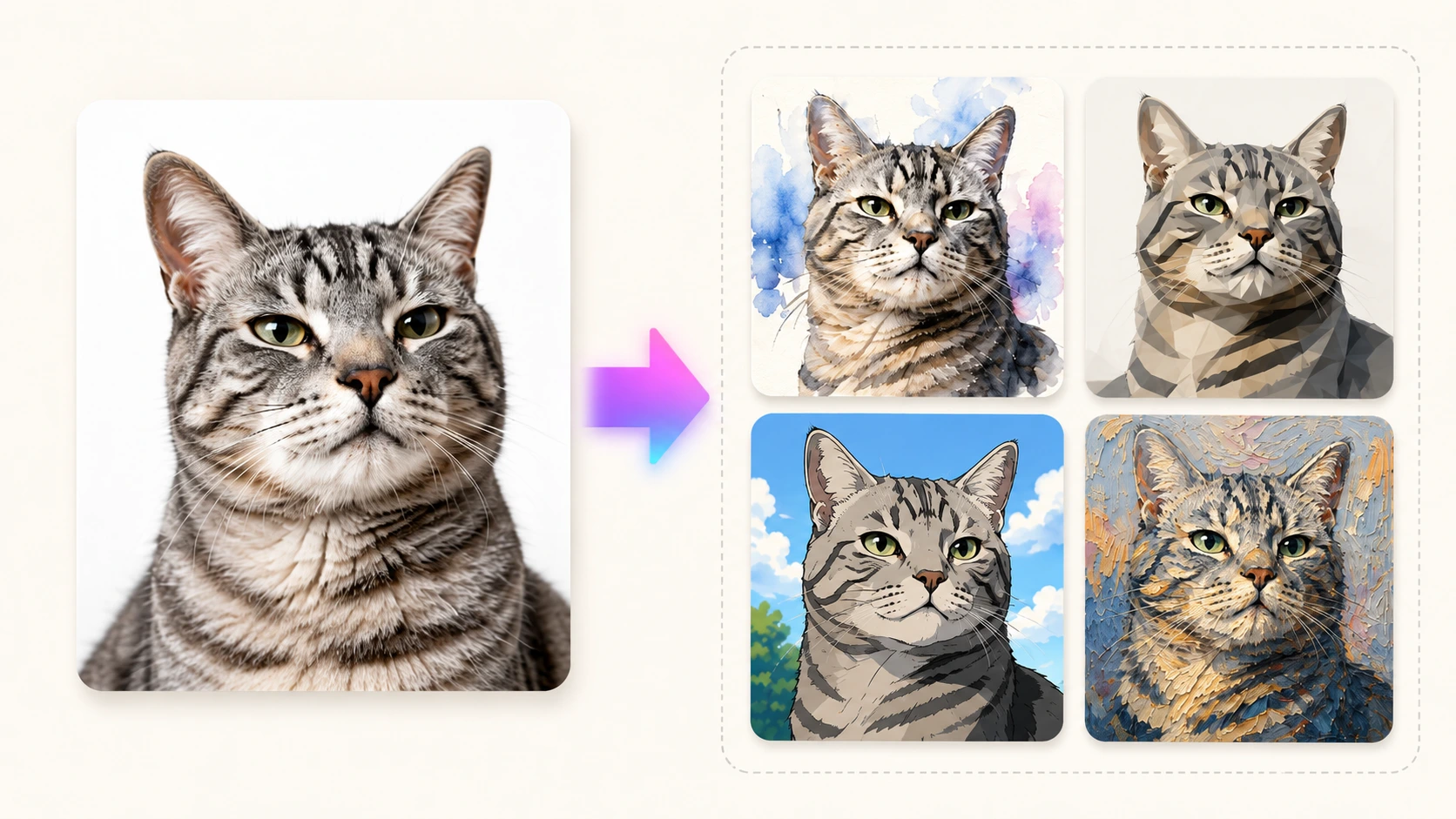
Seedream 4.5 supports highly consistent AI image editing, preserving subject details and overall visual quality when backgrounds, styles, or local areas are changed.

Sample Prompt

Based on an uploaded portrait, outfit image, and scene image, keep the person’s facial consistency and clothing details while creating a premium gold-toned commercial portrait poster with particle light effects and cinematic ambient lighting.
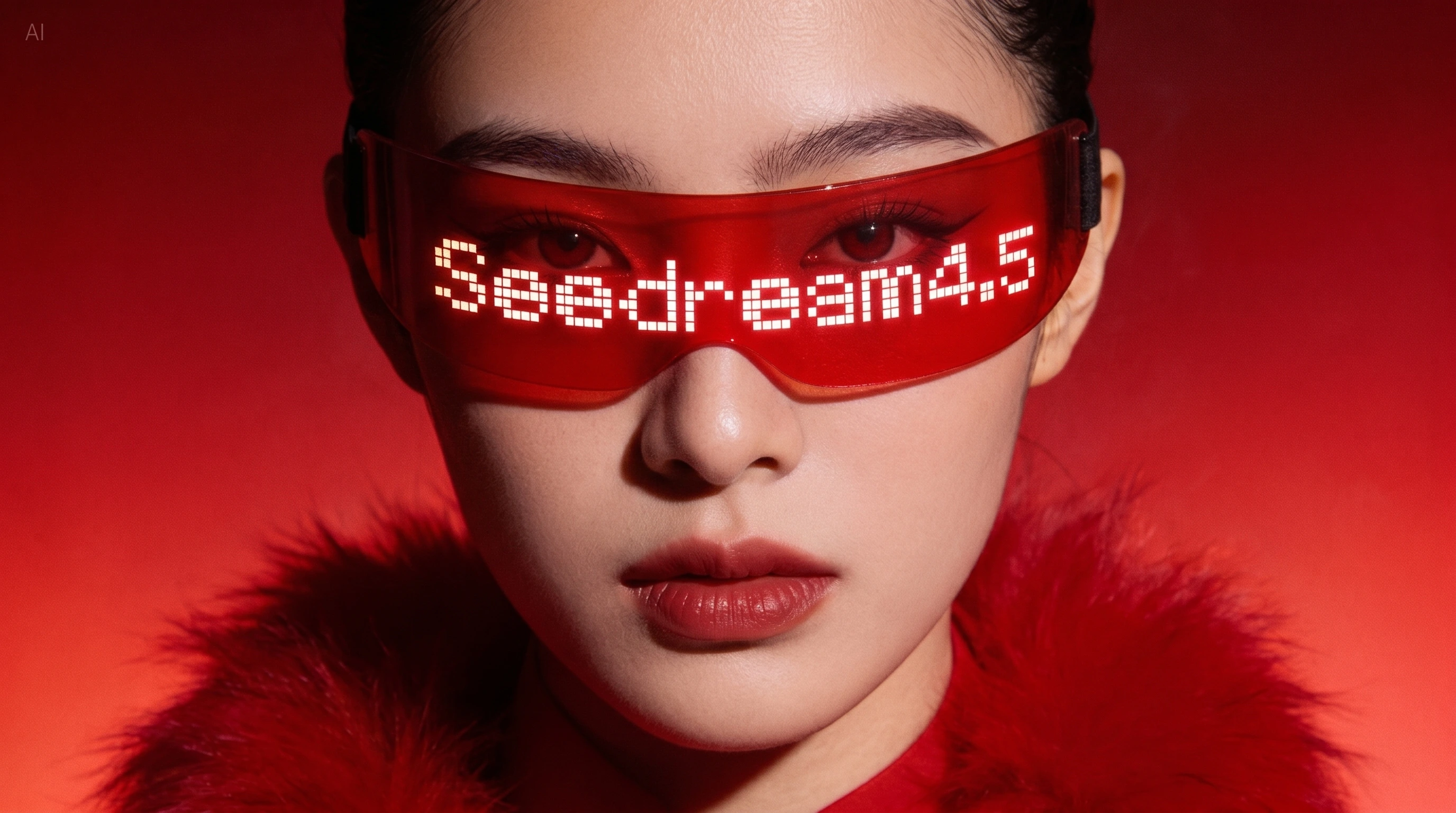
Try Image Editing
02

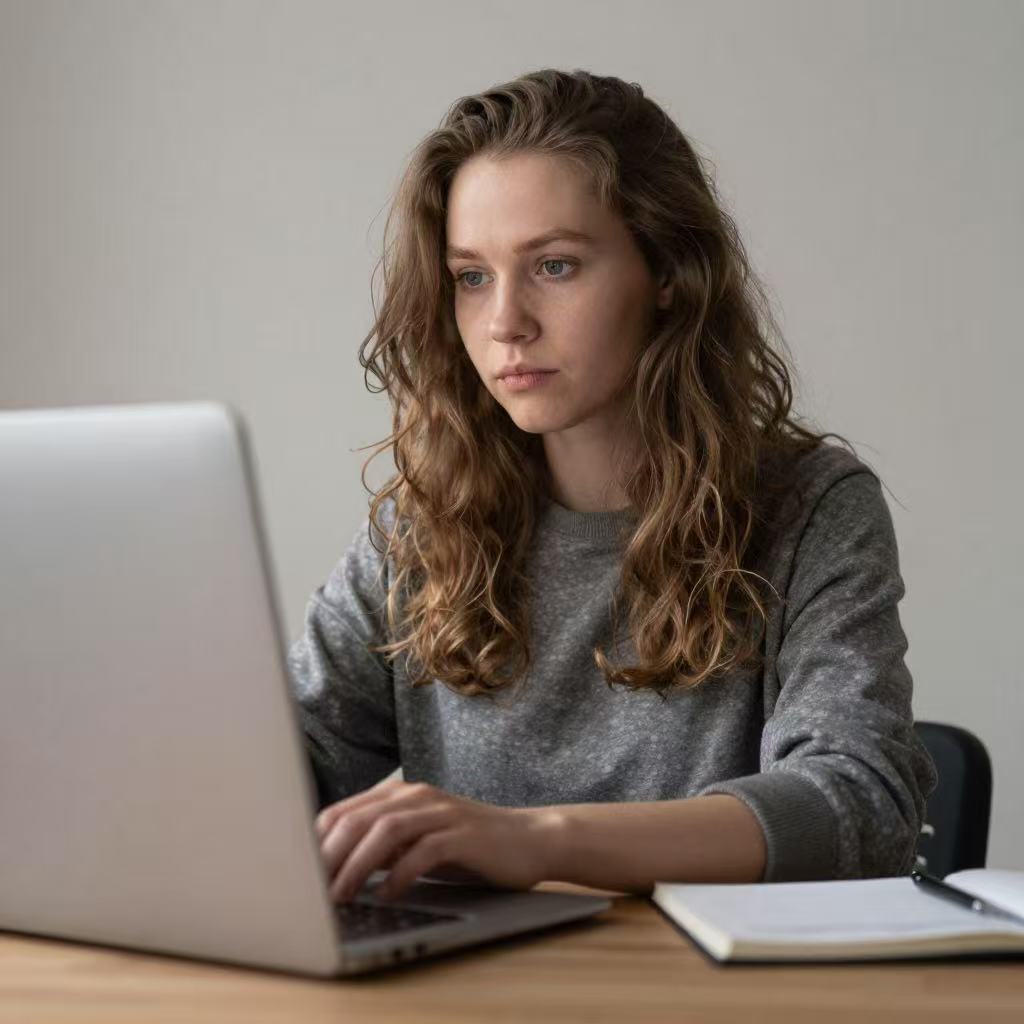
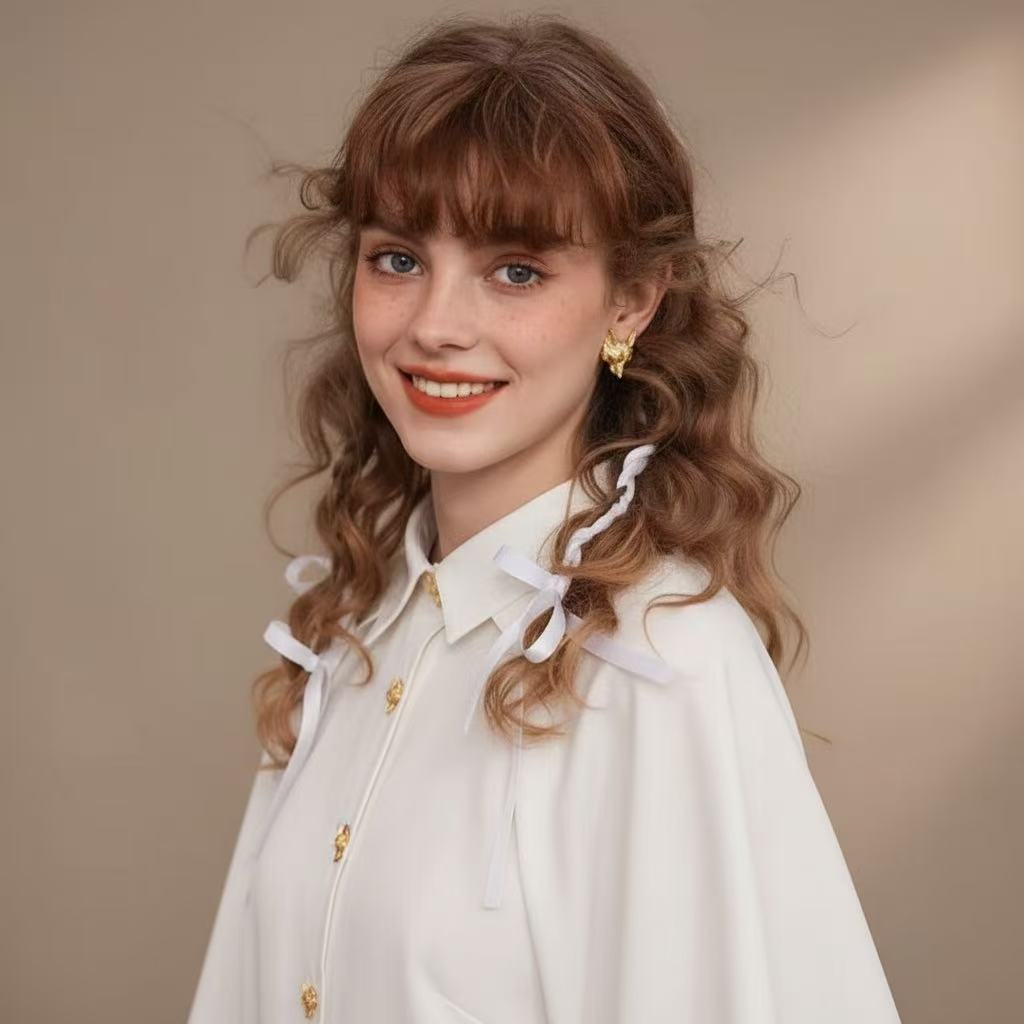
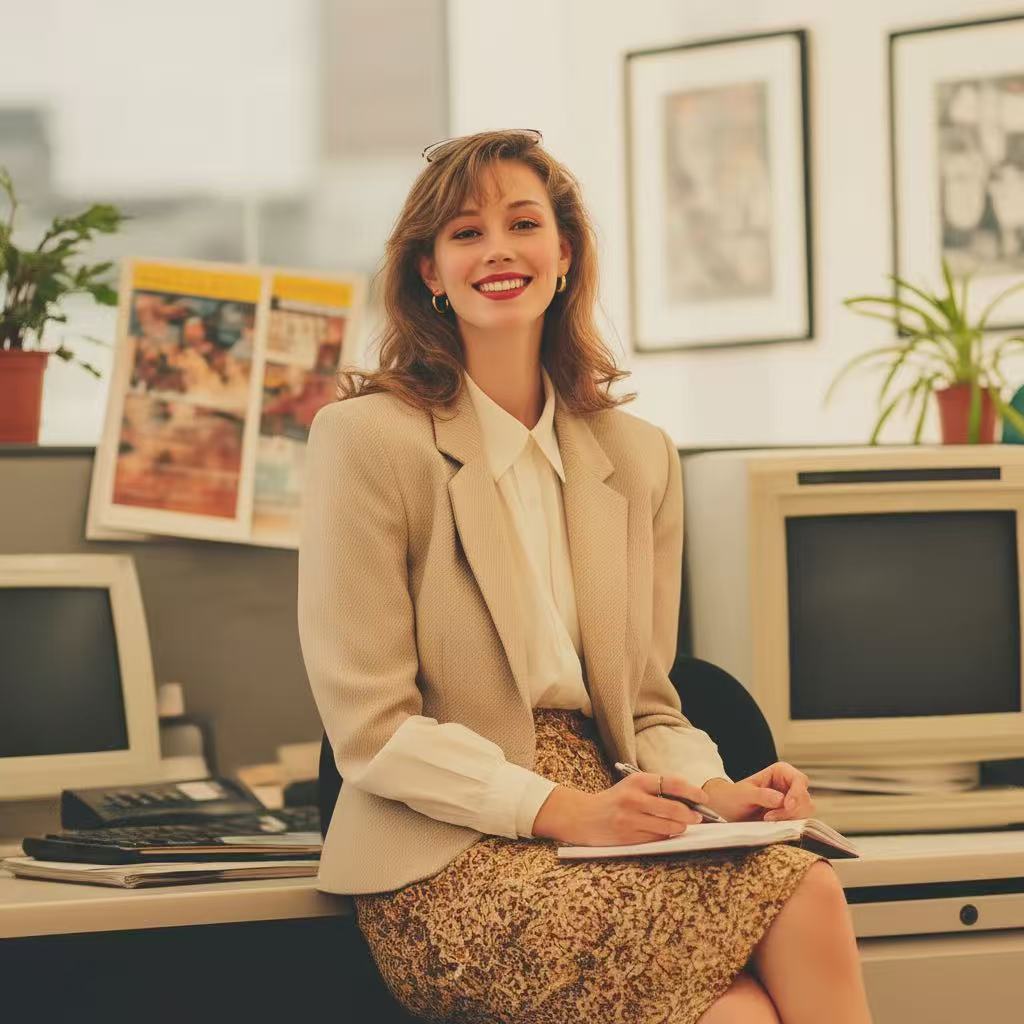
Create Photorealistic Portraits

Use Seedream 4.5 to generate portraits with natural skin texture, realistic lighting, and clear facial features for avatars, posters, and brand visuals.

Sample Prompt

At dusk on a street in Shibuya, Tokyo, a young man in a beige trench coat looks back over his shoulder. Neon reflections fall across his face, with film grain, Fuji Pro 400H color tones, and a 35mm candid composition.

Generate Portraits
03

Generate Clear, Readable Text

Seedream 4.5 can generate clearer text in posters, covers, labels, and design graphics, making AI images more practical for real use.

Sample Prompt

A Black Friday e-commerce promo poster with a huge bold English headline BLACK FRIDAY at the top, the subtitle UP TO 70% OFF below, and a red circular label in the lower right that says LIMITED TIME. All letters should have sharp edges, clear strokes, and no blur.

Create Text Posters
04

Blend References with a Unified Style

Seedream 4.5 supports multi-image reference composition, combining people, products, and scene elements into visually consistent AI creative images.

Sample Prompt

Upload three references: a product image, a model image, and a scene image. Place the model by the window of a Paris café, naturally holding the product, and unify everything with warm afternoon light, consistent shadows, and matching color temperature.

Blend Reference Images

How to Create AI Images with Seedream 4.5

Enter a prompt, choose image style and aspect ratio, and quickly generate HD AI images for portraits, posters, product shots, and creative design.

Enter a Creative Prompt

Describe the person, product, scene, style, and visual details.

Choose an Image Style

Set the aspect ratio, clarity, and visual direction so the result fits your use case.

Generate and Refine

Preview the result, keep adjusting the prompt, or download the image asset.

Frequently Asked Questions

Answers to common questions about Seedream 4.5.

Seedream 4.5 is an AI image generation and editing model from ByteDance. It supports text-to-image, image editing, multi-image reference composition, and text rendering, making it useful for portraits, posters, product images, and commercial visual assets.

Start Creating AI Images with Seedream 4.5

Ella Grace
Nora Belle
Ruby Claire
Jack Mason
Luke Alexander

Explore image ideas and examples