Limited-time offer: save up to 30% on subscriptions

Upgrade Now

Seedream 5.0 Lite Model Guide & Image Examples

Model guide & tool preview. The descriptions and examples on this page do not mean this model or tool is available here. The current Banana 2.1 studio uses Nano Banana 2.1 Pro for text-to-image generation. Reference editing, additional models and dedicated photo tools are coming soon. Open the current image studio →

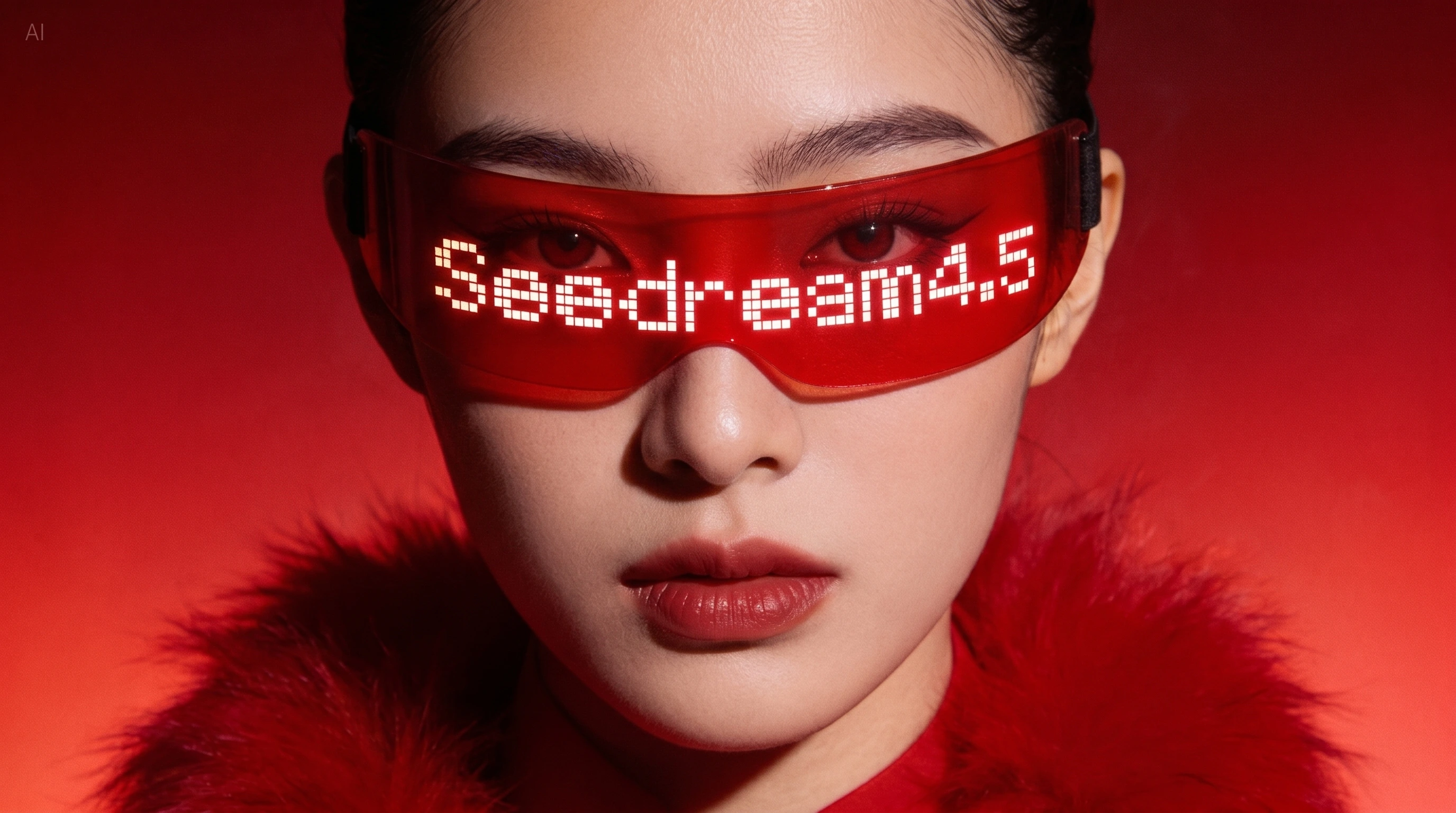
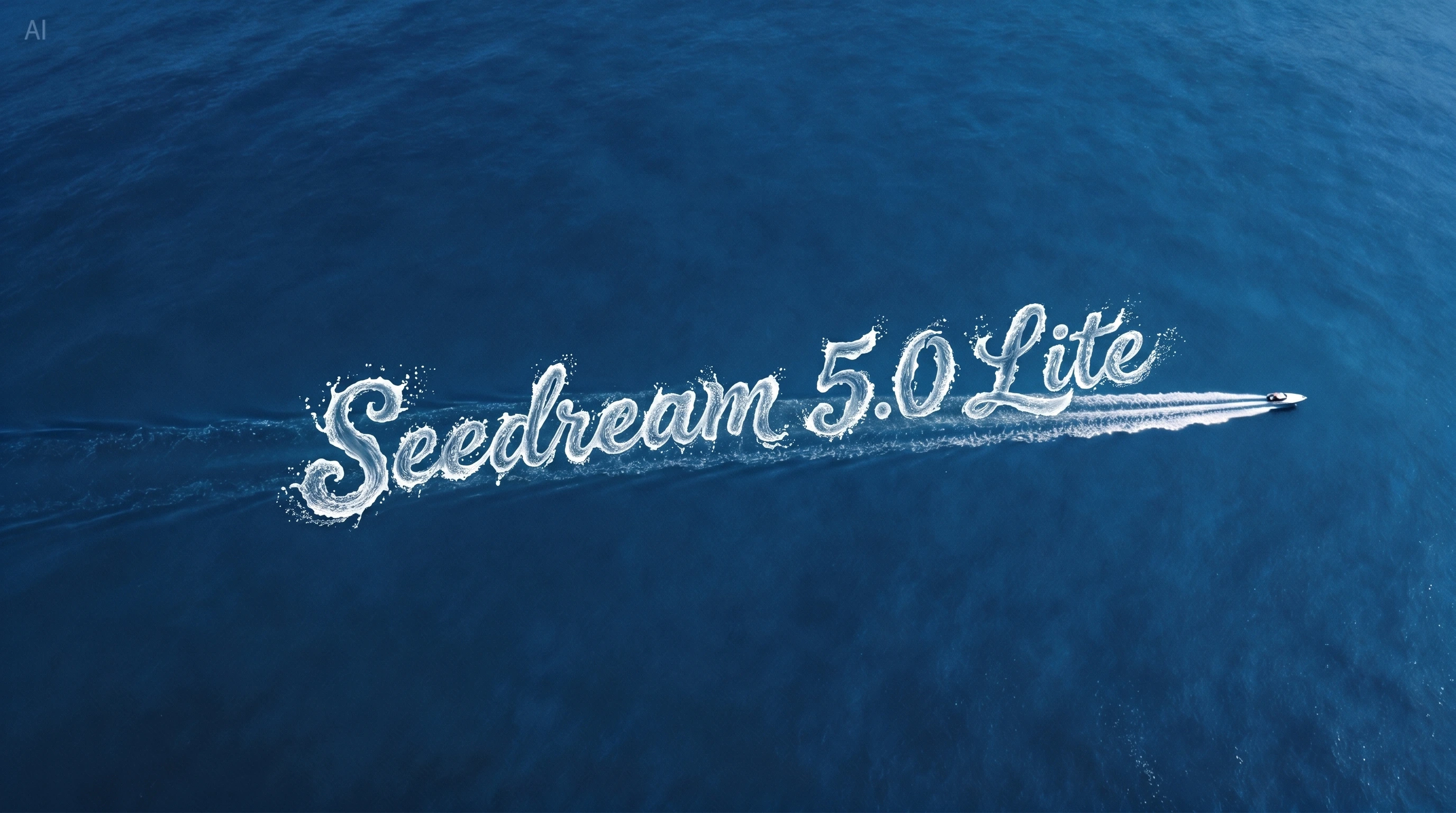
Seedream 5.0 Lite is ByteDance’s next-generation AI image model, combining live web search, deep reasoning, and precise prompt understanding to create sharper, more context-aware HD images. It is built for text-to-image, image editing, infographics, posters, product shots, and commercial visual creation.

Try Seedream 5.0 Lite Online

Enter a prompt to create HD AI images, infographics, posters, product visuals, and creative assets powered by live search and reasoning.

Seedream 5.0 Lite Examples and Results

Explore examples of live-context generation, controlled image editing, multi-reference composition, and 4K HD output across real creative use cases.

02

Controlled Image Editing

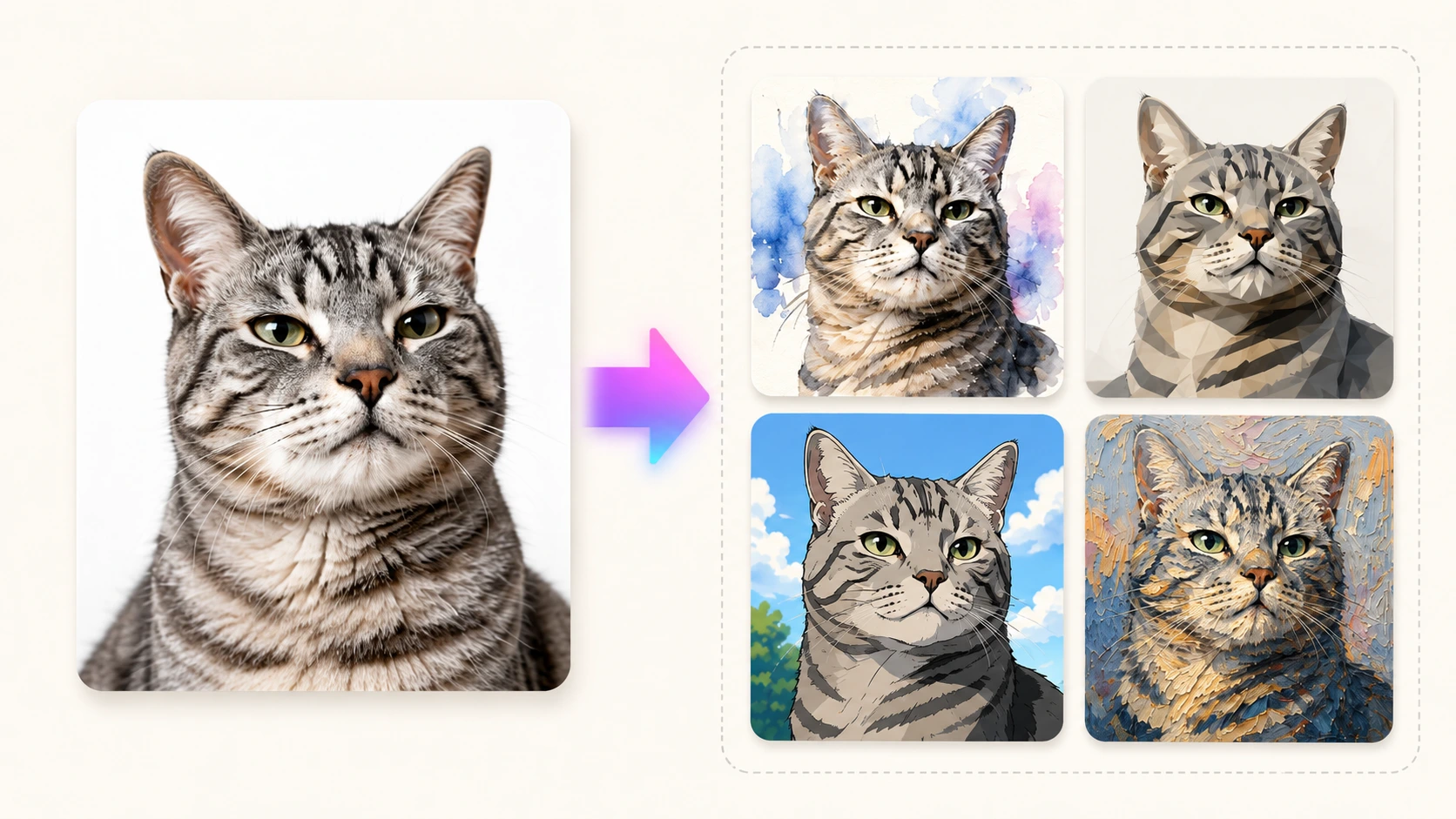
Seedream 5.0 Lite works well for product background swaps, inpainting, style changes, and e-commerce image optimization for ads and brand assets.

Sample Prompt

Add a natural leaf-shaped latte art pattern to the surface of the coffee, with soft white steam rising from the cup.

Edit AI Images
03

Deep Visual Reasoning

Seedream 5.0 Lite is suited for knowledge diagrams, flowcharts, structural visuals, and educational infographics that make complex ideas easier to understand.

Sample Prompt

Identify the five blank white areas in image 1 and match the detail images from image 2 to image 6 to the correct positions.

Create an Infographic
04

4K HD Image Output

Seedream 5.0 Lite supports native 2K and 4K image generation, delivering crisp details and higher visual quality for professional creative work.

Sample Prompt

Upload a portrait, product image, scene image, and style reference. Keep the person’s facial features and product appearance consistent, then unify the scene into a premium outdoor advertising visual with soft daylight and cohesive brand colors.

Generate HD Images

How to Create AI Images with Seedream 5.0 Lite

Enter a prompt, choose size and quality settings, and quickly generate downloadable AI images.

Enter Your Prompt

Describe the subject, scene, style, and key visual details.

Adjust Settings

Choose image size, output quality, and other generation settings.

Download Your Image

Download the finished HD image for posters, product visuals, or marketing assets.

Seedream 5.0 Lite Video Reviews and Demos

Watch selected YouTube reviews, generation examples, and feature demos for Seedream 5.0 Lite.

Seedream 5.0 Lite Creator Feedback on X

Explore AI image examples and real user experiences shared by creators on X.

Seedream 5.0 Lite Discussions on Reddit

See what the community says about image quality, editing performance, and model results.

Frequently Asked Questions

Learn about Seedream 5.0 Lite’s core capabilities, use cases, and workflow.

Seedream 5.0 Lite is an AI image generation and editing model developed by ByteDance. It supports text-to-image, image editing, live-search generation, structured visual creation, and multi-step creative tasks. It understands natural language prompts and uses search context to create visuals that better match real-world context, scene composition, and detailed requirements.

Start Creating AI Images with Seedream 5.0 Lite

Ella Grace
Nora Belle
Ruby Claire
Jack Mason
Luke Alexander

Explore image ideas and examples