

Upload a Reference Image
Upload the image you want to edit, redraw, or restyle as the reference for image-to-image AI.
Limited-time offer: save up to 30% on subscriptions
Upgrade NowModel guide & tool preview. The descriptions and examples on this page do not mean this model or tool is available here. The current Banana 2.1 studio uses Nano Banana 2.1 Pro for text-to-image generation. Reference editing, additional models and dedicated photo tools are coming soon. Open the current image studio →
Upload a reference image and use image-to-image AI to restyle, redraw, and creatively edit photos into high-quality new visuals.
Access leading AI image generation models in one place for image creation, editing, style design, and high-quality output. Use GPT Image 2, Nano Banana 2, Seedream, and more without switching tools.
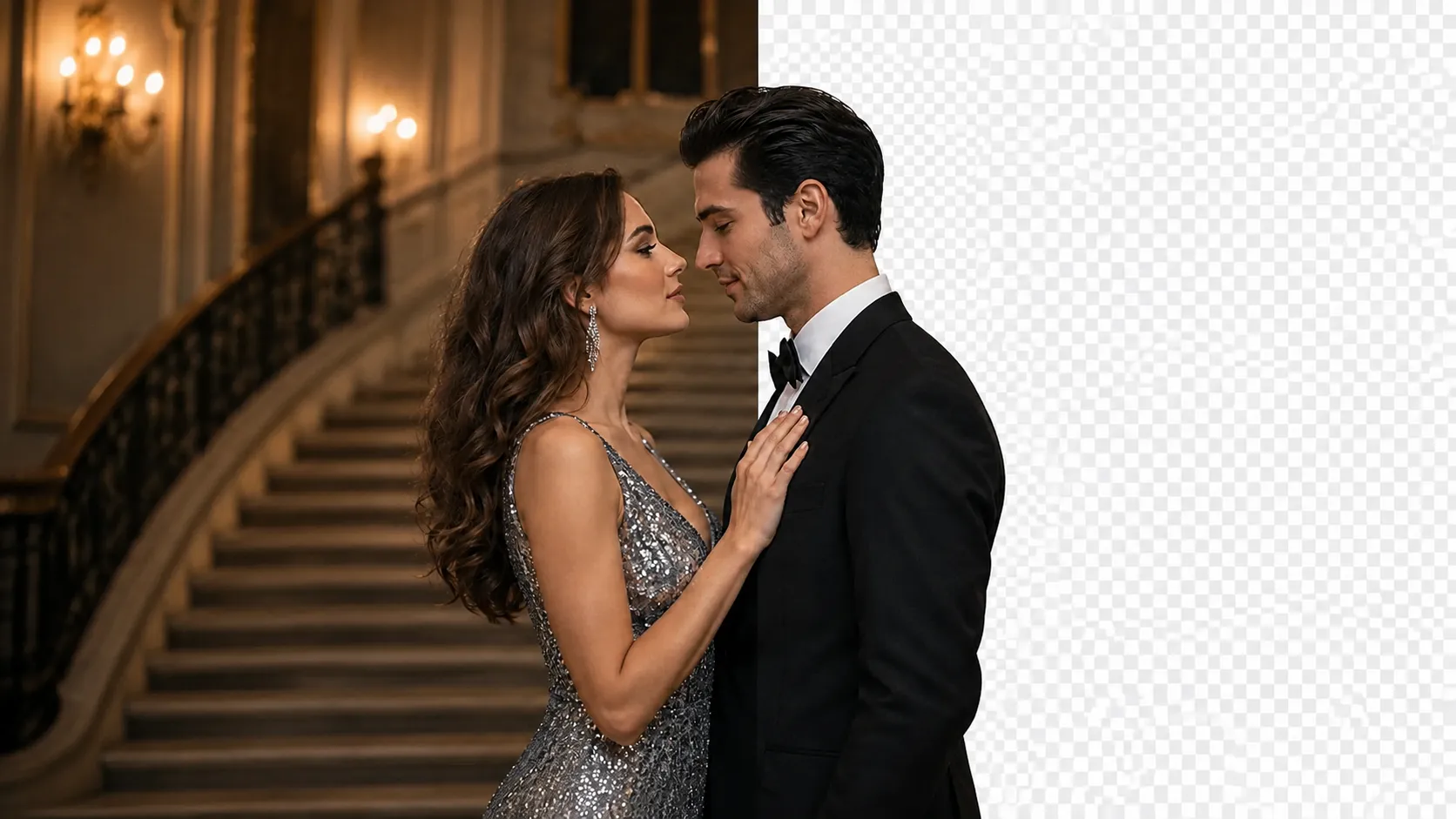
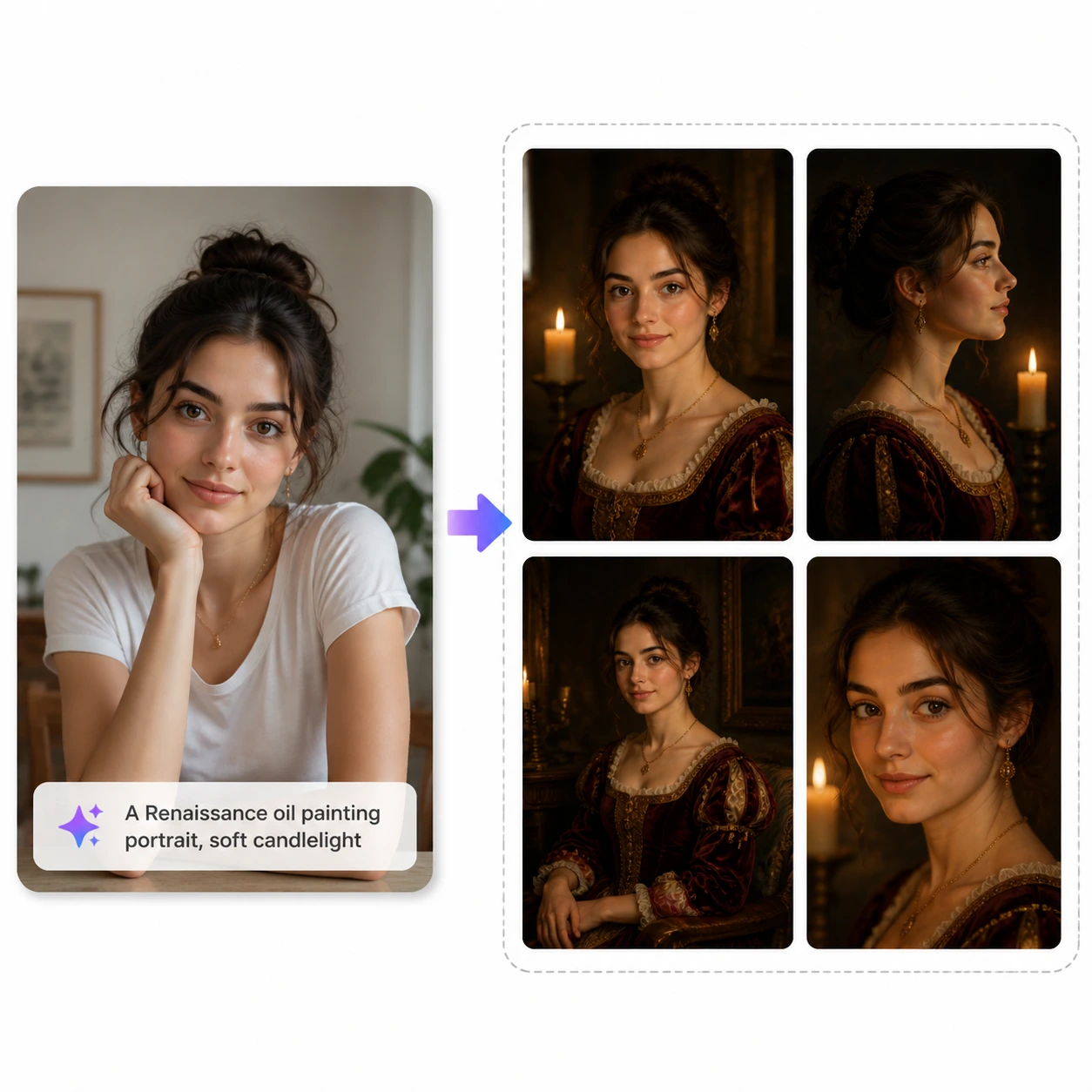
Upload a reference image and enter a prompt to generate new AI visuals from the original. Supports style changes, background replacement, detail redrawing, and local edits for product shots, avatars, posters, and social media.
From social content and ad creatives to game characters and concept art, create visuals faster with an AI image generator while reducing design time and production costs.
Create Eye-Catching Social Media Images Fast
Generate high-quality visuals for avatars, covers, posts, and short-video thumbnails in minutes, helping you publish faster and keep your social media style more consistent and engaging.
Produce Ads and Marketing Visuals Efficiently
Create product images, promotional posters, event banners, and ad visuals without a complex design workflow, so your brand can test ideas faster and increase marketing output.
Design Characters and Scenes Faster
Quickly visualize character ideas, game scenes, prop concepts, and storyboard directions, making it easier for teams to explore styles, expressions, outfits, and worldbuilding early in production.
Turn Creative Ideas into Finished Visuals
Enter your artistic idea to generate concept art, illustrations, abstract visuals, and experimental designs, giving your creative process more directions and reducing the gap from idea to image.
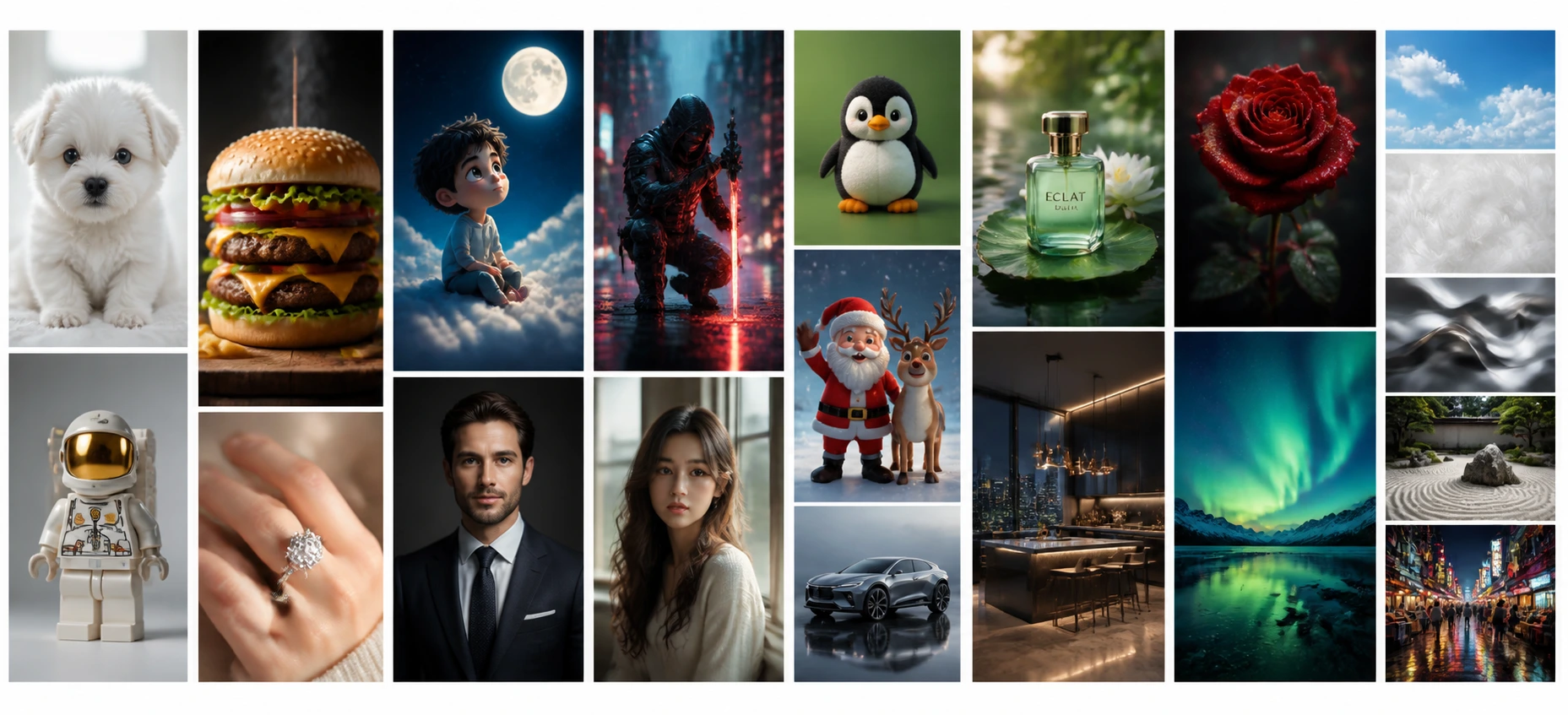
Explore image-to-image AI examples across reference images, styles, and aspect ratios to see the visual quality this tool can create and find inspiration for your next project.
Create AI image-to-image results online in 3 simple steps: upload a reference image, describe the edits, and generate a high-quality new image.
Upload the image you want to edit, redraw, or restyle as the reference for image-to-image AI.
Tell the AI what to change in plain language, such as style, background, elements, colors, or detail improvements.
The AI creates a new image from your reference and prompt, ready to preview, download, or keep editing.
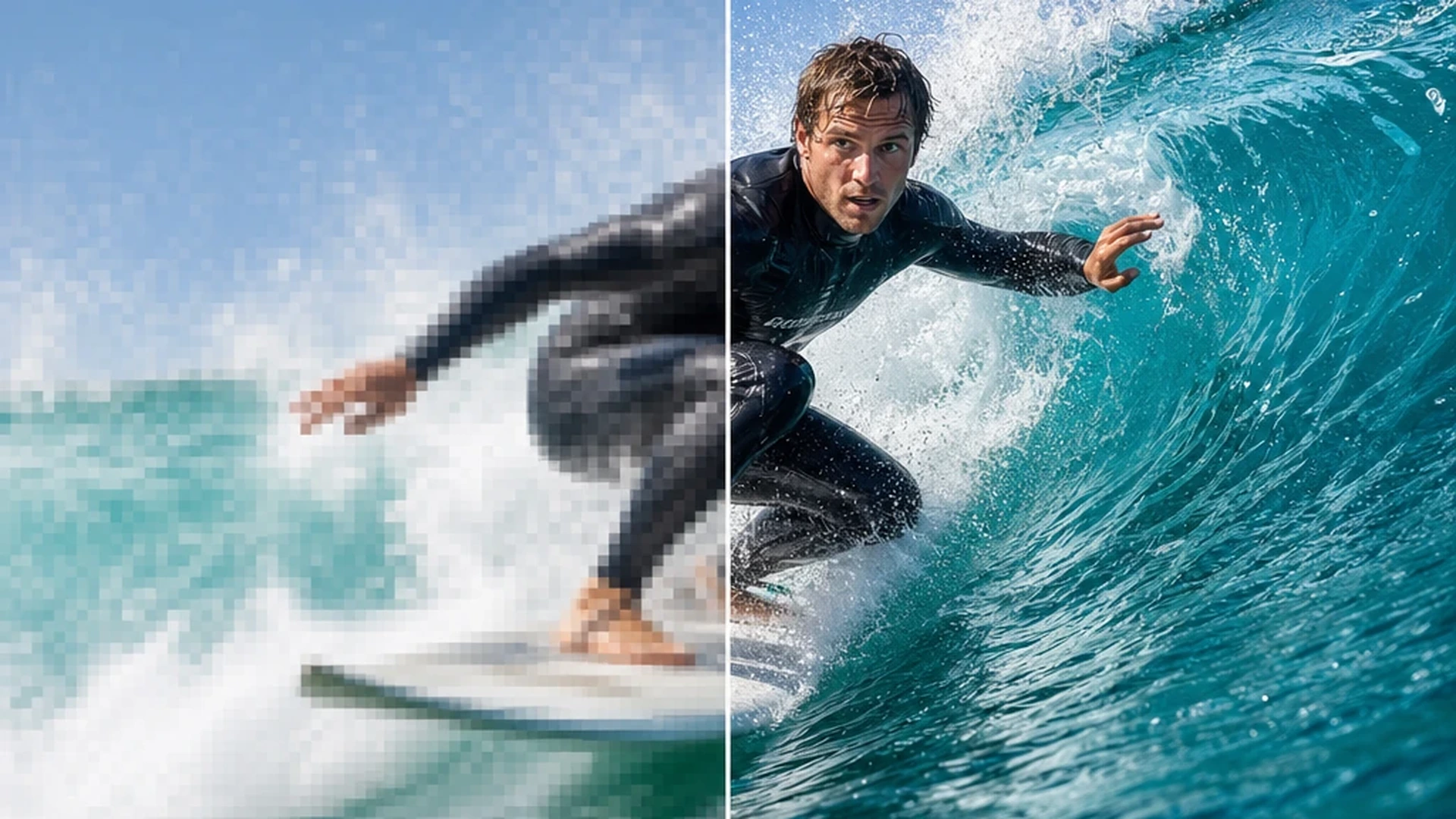
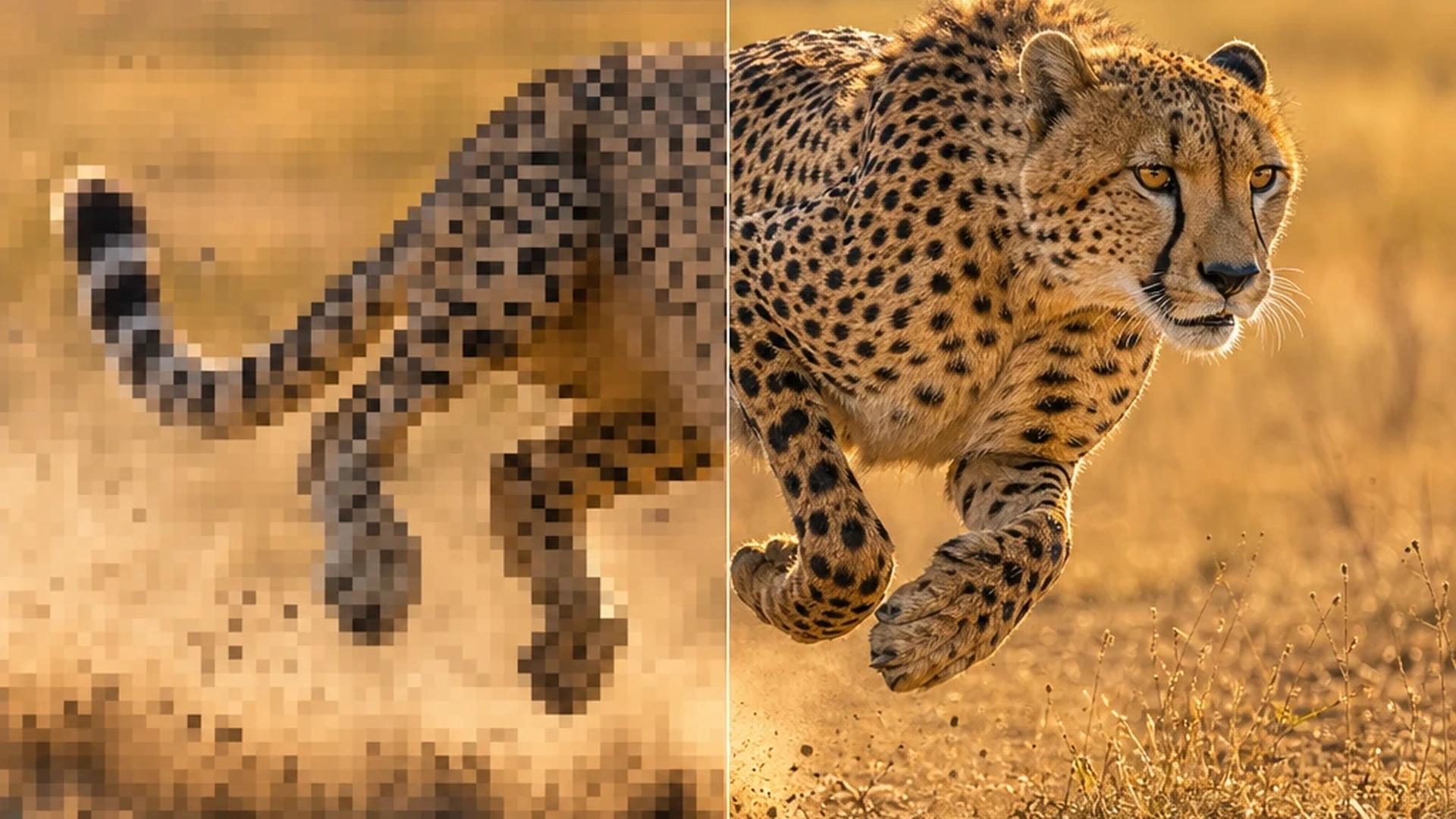
Start with one image, then enhance, upscale, edit, or restyle it to quickly create the new look you want.
Learn how AI image-to-image works, where it fits best, how to write better prompts, and how to create stronger results from a reference image.
We bring multiple advanced AI image models into one platform, so you do not need to register, switch between, or subscribe to several separate tools. With one account and one plan, you can try different image-to-image models, compare results, and find the style that works best for you.


Explore image ideas and examples