Marketing and Advertising Teams
Brand ads, campaign posters, and social media assets
Quickly generate ad creatives, campaign posters, and social media graphics to speed up brand visual production and creative iteration.
Limited-time offer: save up to 30% on subscriptions
Upgrade NowModel guide & tool preview. The descriptions and examples on this page do not mean this model or tool is available here. The current Banana 2.1 studio uses Nano Banana 2.1 Pro for text-to-image generation. Reference editing, additional models and dedicated photo tools are coming soon. Open the current image studio →
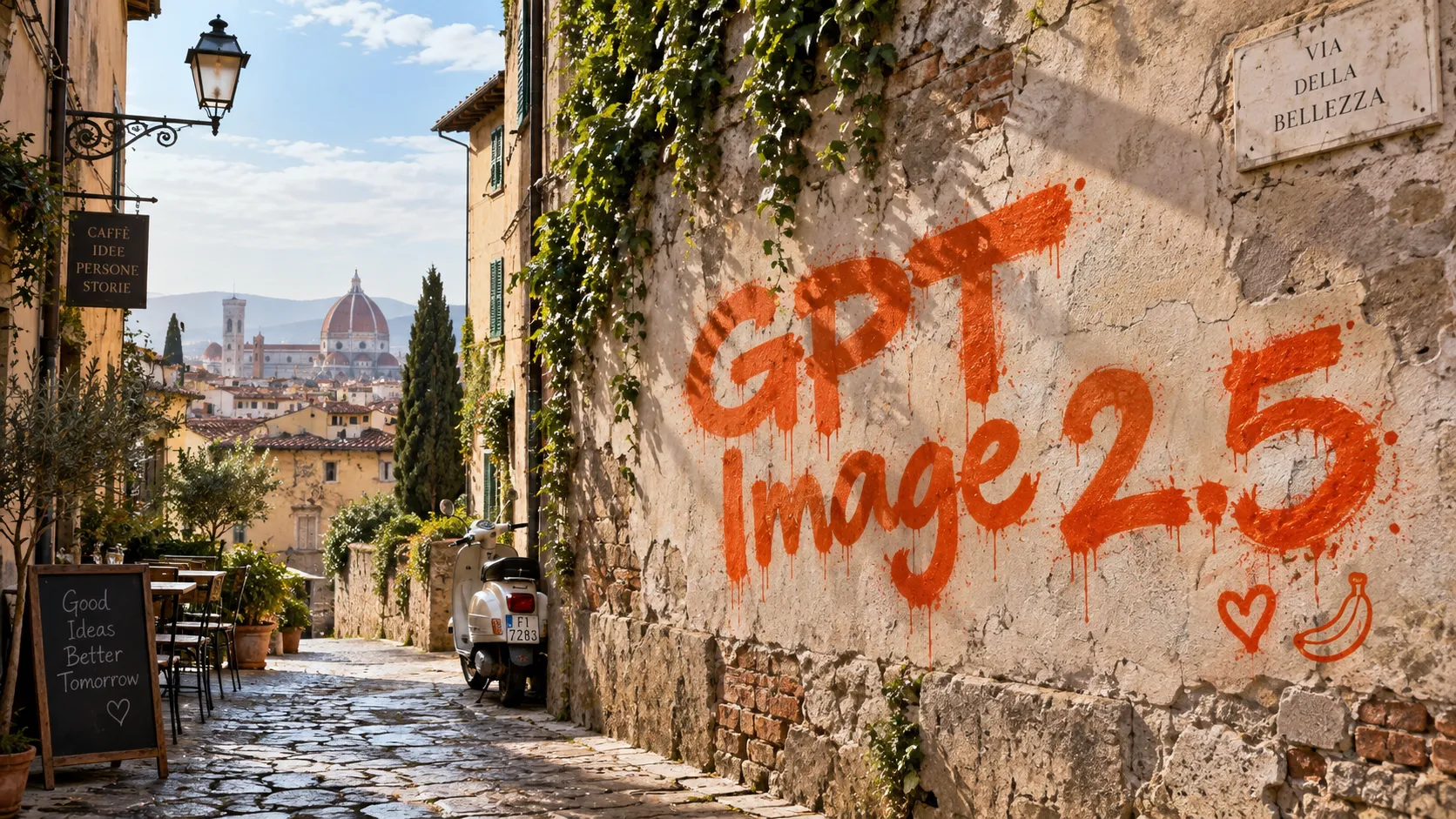
Generate and edit high-quality AI images faster with OpenAI GPT Image 2.5. Get more natural lighting and textures, more precise targeted edits, and stronger consistency across reference images and multi-turn edits. Choose Flare for fast creation, or Sunburst for more refined visual work.
Tell GPT Image 2.5 what you want to see, or add a reference image to guide it, and quickly turn your ideas into high-quality AI images.
GPT Image 2.5 steps up generation speed, image detail, and prompt control, so you can create faster, more accurately, and more consistently.
Generate images up to 50% faster than GPT Image 2.0, so you can finish high-quality work and iterate on multiple concepts more quickly.
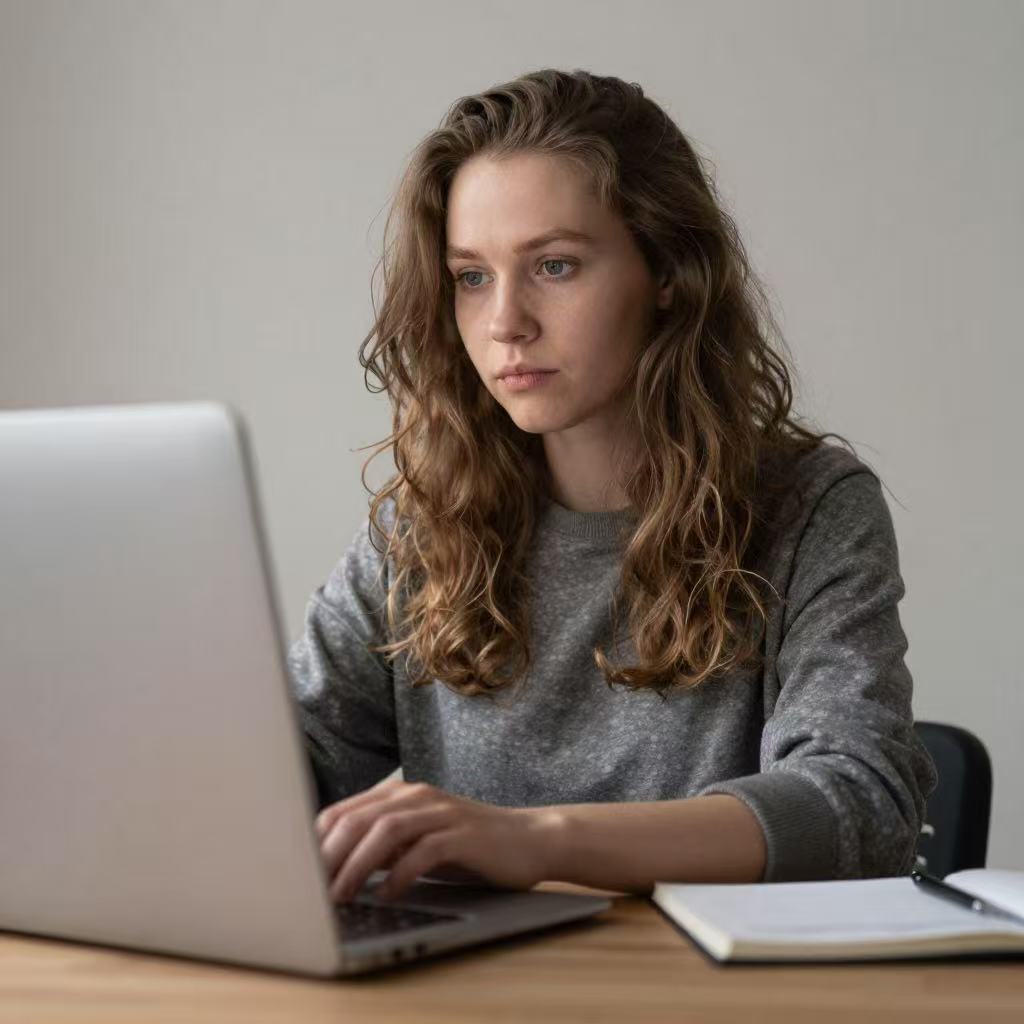
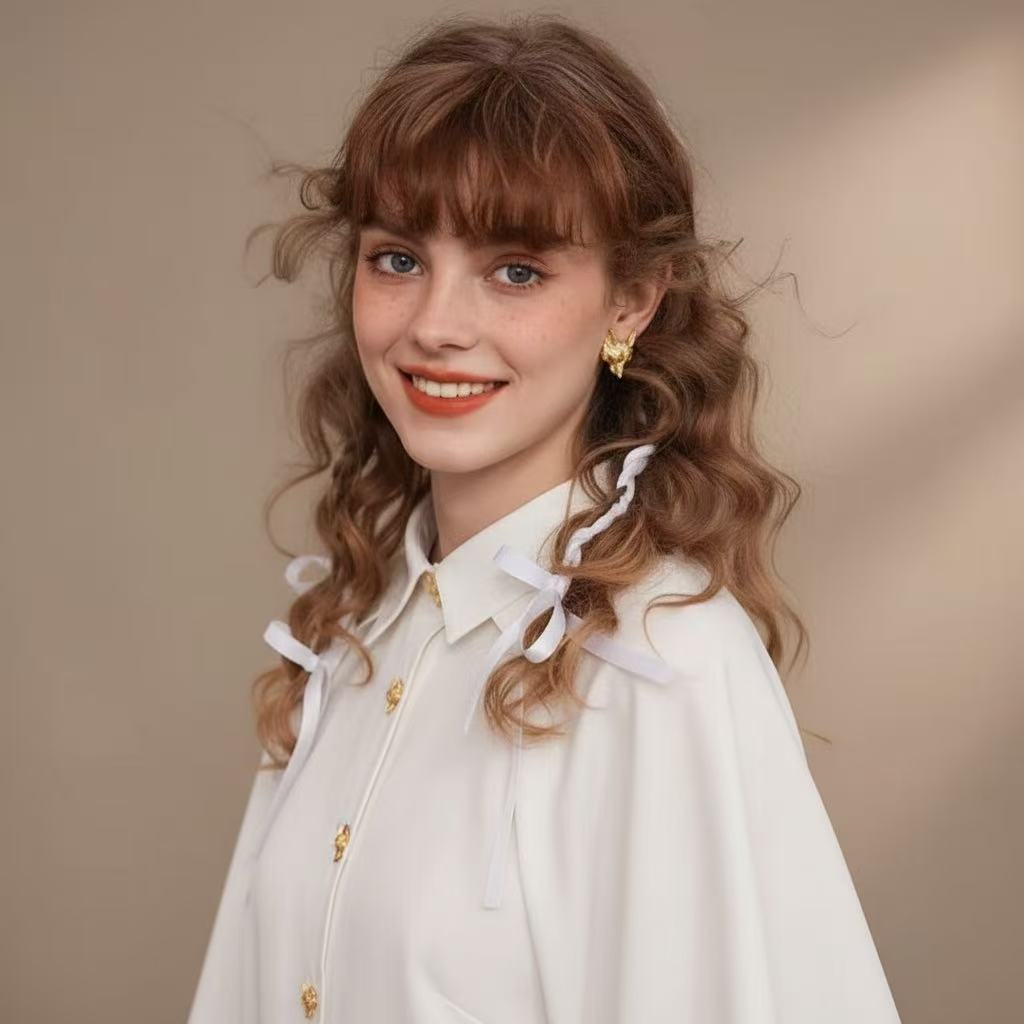
GPT Image 2.5 improves natural lighting, material textures, and overall image fidelity, rendering people, objects, and scenes with more realistic, richer detail.
GPT Image 2.5 delivers more stable multi-turn editing, preserving previous results across successive changes and minimizing unwanted shifts in the subject and scene details.
GPT Image 2.5 is better at interpreting complex visual requirements, including composition, style, layout, text, and transparent backgrounds, giving you more precise, controllable image generation and editing.
Explore real results from GPT Image 2.5 and see how text-to-image generation, reference-based creation, and image editing perform across different scenarios.
Quickly try different compositions, styles, and visual directions to validate ideas and produce assets more efficiently.
Prompt
A golden retriever puppy in the same pose and composition, rendered in four styles: photorealistic, 3D cartoon, watercolor, and 16-bit pixel art.
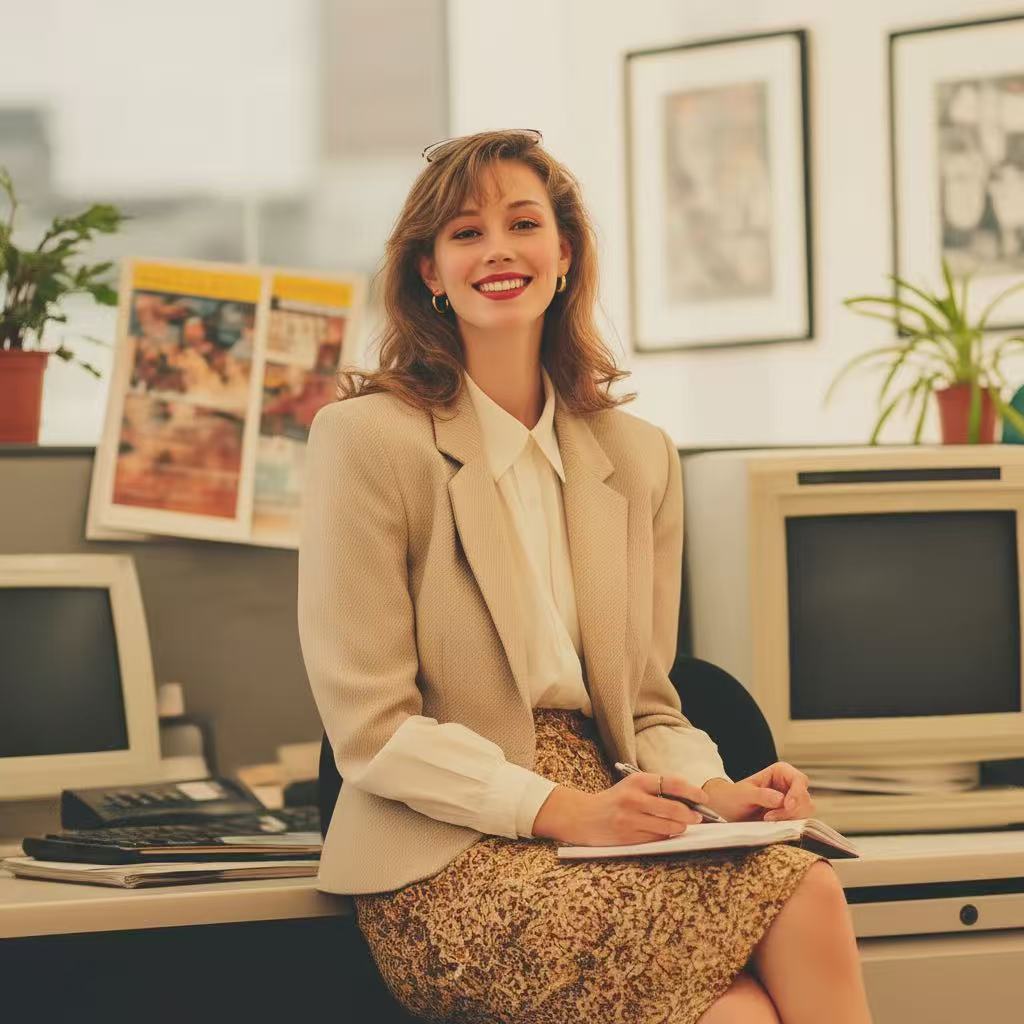
Give people, products, and real-world scenes a photographic look that's ready for advertising, e-commerce, and content creation.
Prompt
High-end fashion magazine photography, close-up of a young woman lying down, clear natural face, realistic fine skin texture, warm golden sunlight, steel watch with an orange dial on her wrist, white shirt and cobalt blue fabric, high-definition photorealistic.
Keep iterating on the same character, product, or visual direction for a more coherent workflow from first draft to final image.
Prompt
Based on the three-layer gold necklace in the reference image, keep the chain, letter K, butterfly, and oval ring pendant designs. Generate a jewelry ad collage with an on-model shot, a burgundy velvet background, a jewelry box display, and a detail close-up, all with consistent warm golden lighting.
Input Images
Handle subject, text, background, and layout requirements all at once, making complex visuals like product ads and posters easier to create.
Prompt
Keep the look, colorway, and upper details of the running shoe in the reference image. Create a sports brand ad: place the shoe slightly right of center; a sports water bottle on the left; a pair of over-ear headphones on the right; a folded towel behind the shoe; and a running bib in front. Arrange everything on a dark gray track surface. Add the text "RUN FASTER" in the top-left corner and "AERO X1 · $129" in the bottom-right corner. Overall style: dynamic, professional, and clean, with lighting like an early-morning outdoor ad shoot.
Input Images
Built for marketing, design, e-commerce, and content creation, covering AI image generation, image editing, product photos, and commercial visuals.
Marketing and Advertising Teams
Brand ads, campaign posters, and social media assets
Quickly generate ad creatives, campaign posters, and social media graphics to speed up brand visual production and creative iteration.
Design and Product Teams
UI prototypes, web visuals, and product concept art
Turn ideas into UI references, web visuals, and product concept images fast, so you can validate and communicate design direction more efficiently.
E-commerce Sellers and Content Creators
Product photos, listing images, and content visuals
Generate product photos, listing images, covers, and content graphics to get e-commerce and content visuals done faster.
Explore GPT Image 2.5 capabilities and example workflows. This model is not yet available for generation in Banana 2.1. The current studio uses Nano Banana 2.1 Pro for text-to-image generation; reference editing and additional models are coming soon.
Open the AI image generator and select the GPT Image 2.5 model.
Enter a prompt describing the subject, scene, and style, or upload a reference image.
Click Generate, preview the results, and download the high-quality AI images you like.
Watch feature overviews, hands-on tests, and creative tutorials for GPT Image 2.5.
See the experiences, generation examples, and real feedback creators are sharing on X.
chatgpt image 2 vs image 2.5 holy openai is on berserker mode first astra , then ns math and now sota image

ChatGPT Images 2.5—faster, sharper, smarter, with better tools for creating whatever you can dream of. - Faster image generation to keep your ideas flowing - Improved fidelity for more natural, recognizable images - Consistent details across multiple edits - Comment-based
ChatGPT Images 2.5 just dropped. Up to 50% faster. Better edits. Better consistency. And now you can literally draw what you want with Sketch
ChatGPT Images 2.5—faster, sharper, smarter, with better tools for creating whatever you can dream of. - Faster image generation to keep your ideas flowing - Improved fidelity for more natural, recognizable images - Consistent details across multiple edits - Comment-based
OPENAI RELEASES CHATGPT IMAGES 2.5, CUTS GENERATION LATENCY UP TO 50% The company says the model brings sharper details, more precise editing, and better consistency across multiple edits, with latency down as much as 50% from Images 2.0. - New Sketch feature lets users draw Show more
gpt-image-2.5 is about to make every other image model look like GARBAGE. this shit looks way too REAL 😭
Another example of @ChatGPT Images 2.5 showing higher taste in fashion. This time starting from a photo instead of a sketch. I asked it to turn my keyboard top into a blazer. The blazer generated by Images 2.5 looks much more realistic, with more refined tailoring.

.@ChatGPT Images 2.5 is a major leap for fashion applications. The previous model was great at staying true to an original design, without turning it into something you’d already seen on a runway. But the results sometimes looked flat. 2.5 brings those designs to life!
GPT Image 2 と GPT Image 2.5 を比較検証 同じロボットの画像1枚から、「星を拾う→持ち上げる→元に戻す」という同じ指示で9回連続で編集。毎回生成された画像を次の編集に使い、30秒の比較動画にまとめました。 編集を重ねても、顔や質感、背景がよく保たれていることがわかります。 Show more

【速報】OpenAI、新画像モデル「ChatGPT Images 2.5」を発表 ・生成の待ち時間が Images 2.0 比で最大50%短縮 ・参照写真の人物の特徴を忠実に再現 ・指示した箇所だけ編集、重ねても劣化しにくい ・手描きを画像化する「Sketch」追加 ・本日、全プランのChatGPT/Work/Codexへ 詳細をスレッドに🧵
Left: ChatGPT Images 2.0 (High) Mid: ChatGPT Images 2.5 Right: ChatGPT Images 2.5 (9:16) Show more
ChatGPT Image 2.5 人物一致性测试。 之前做过一组凝光拉伸动作系列。 当时即使在同一个 Session 里,用同一套角色设定连续生成,人物长相其实还是会有比较明显的变化。 甚至可以说,每张图里的“凝光”多少都有点不一样。 这次换到 Image 2.5,效果大家可以直接看图。 我用的是同一份提示词, Show more
Try more AI image generation and editing models for product photos, posters, social media graphics, and other creative needs.
Quick answers about how to use GPT Image 2.5, its editing capabilities, and common questions.
GPT Image 2.5 is OpenAI's next-generation image generation and editing model, built for high-quality visual work. It improves realism, detail, reference image fidelity, complex prompt understanding, and consistency across successive edits, moving AI images beyond one-off generation toward more precise, stable, and controllable professional creation.


Explore image ideas and examples