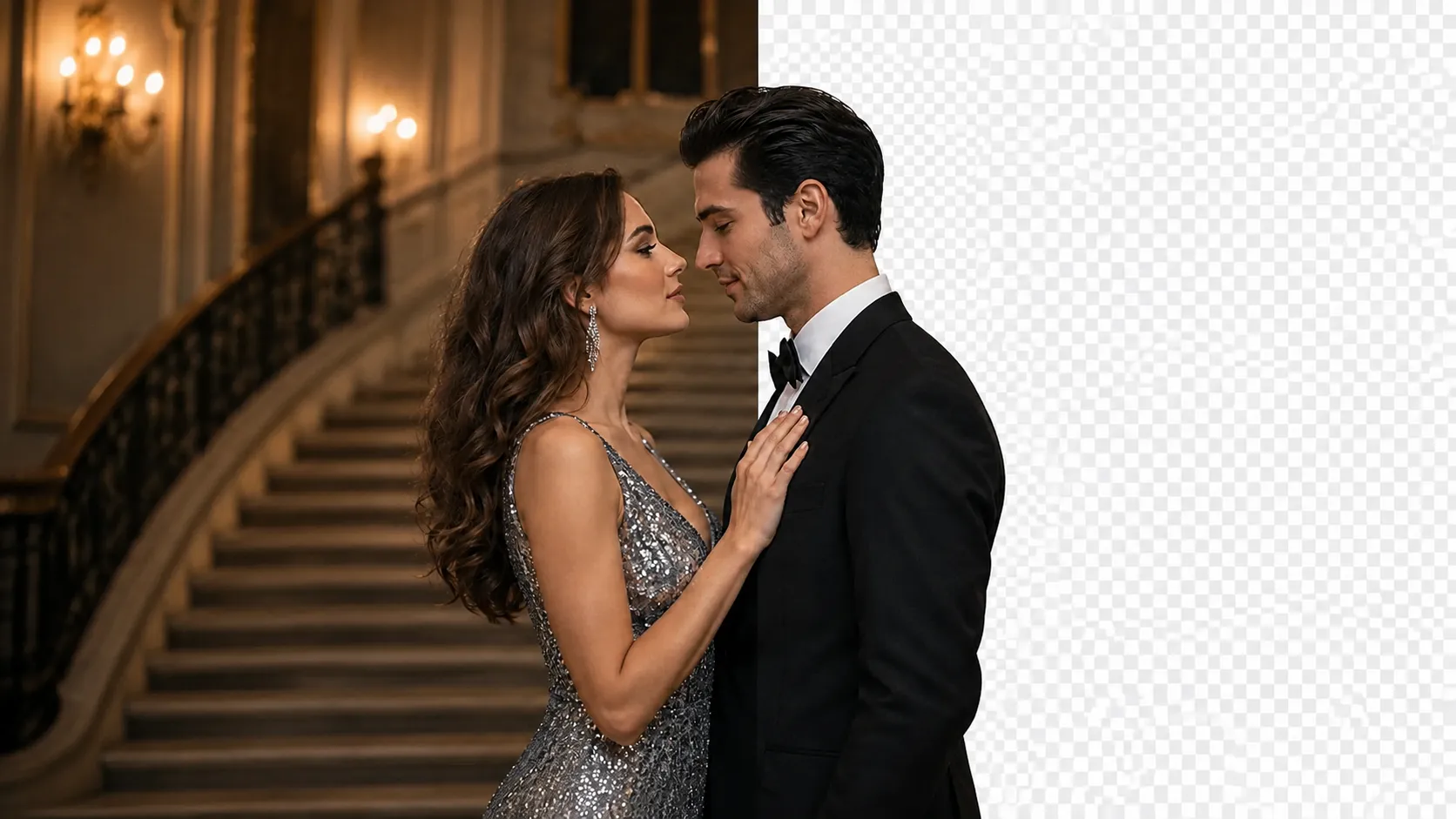
Content creators
Great for video thumbnails, blog images, and creative assets
When your source material looks low-quality, lacks detail, or feels dull, the AI Image Enhancer can quickly improve sharpness, color, and overall visual appeal.
Limited-time offer: save up to 30% on subscriptions
Upgrade NowModel guide & tool preview. The descriptions and examples on this page do not mean this model or tool is available here. The current Banana 2.1 studio uses Nano Banana 2.1 Pro for text-to-image generation. Reference editing, additional models and dedicated photo tools are coming soon. Open the current image studio →
Click to upload an image
Supports JPEG, PNG, WEBP format, up to 10 MB
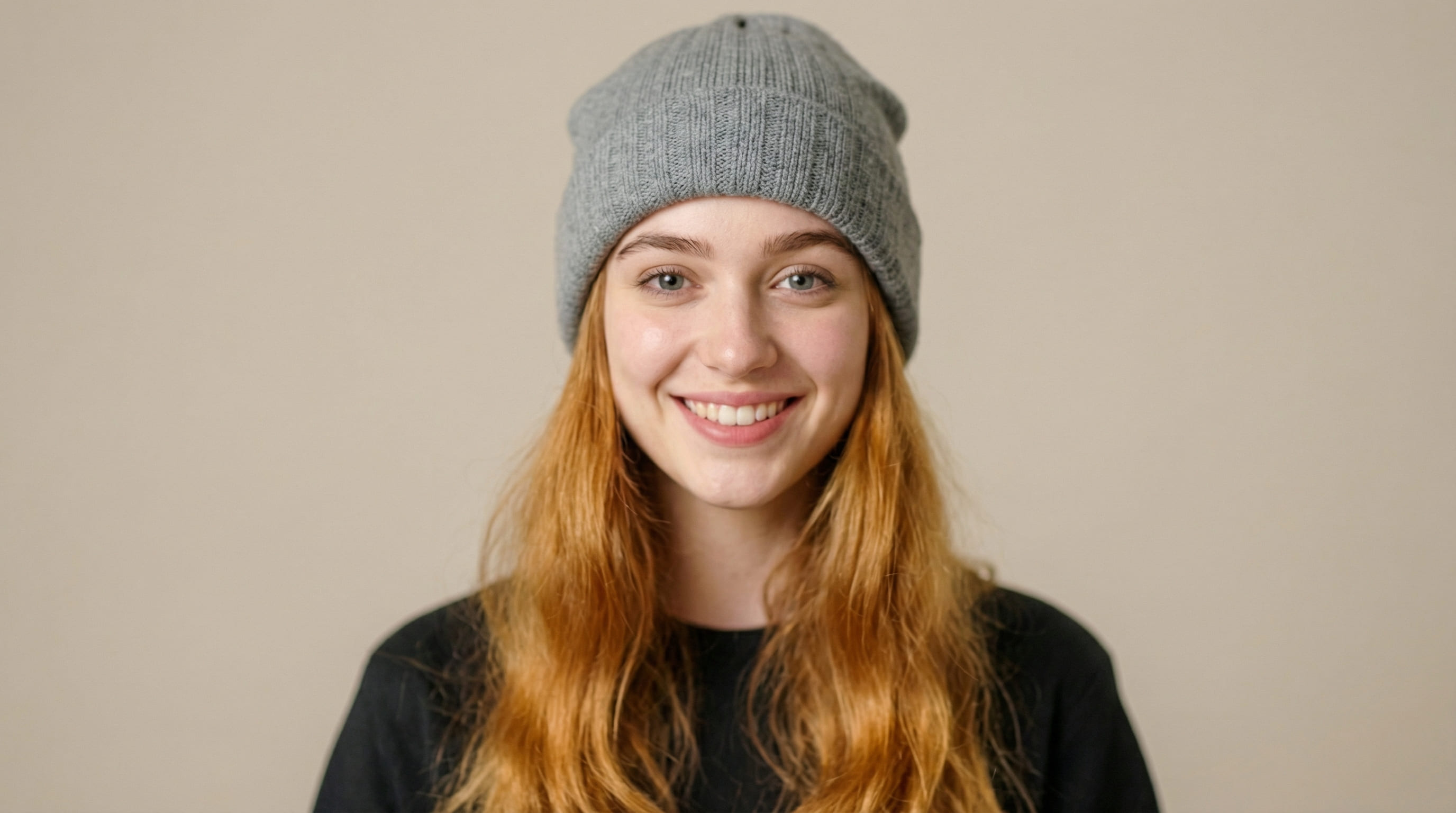
Our AI Image Enhancer quickly improves image resolution, clarity, and fine details while intelligently optimizing color, brightness, contrast, and saturation. Whether you are working with low-resolution images, blurry photos, or old picture restoration, you can enhance image quality in one click and create sharper, more natural-looking results.
Improve image clarity and resolution in one click
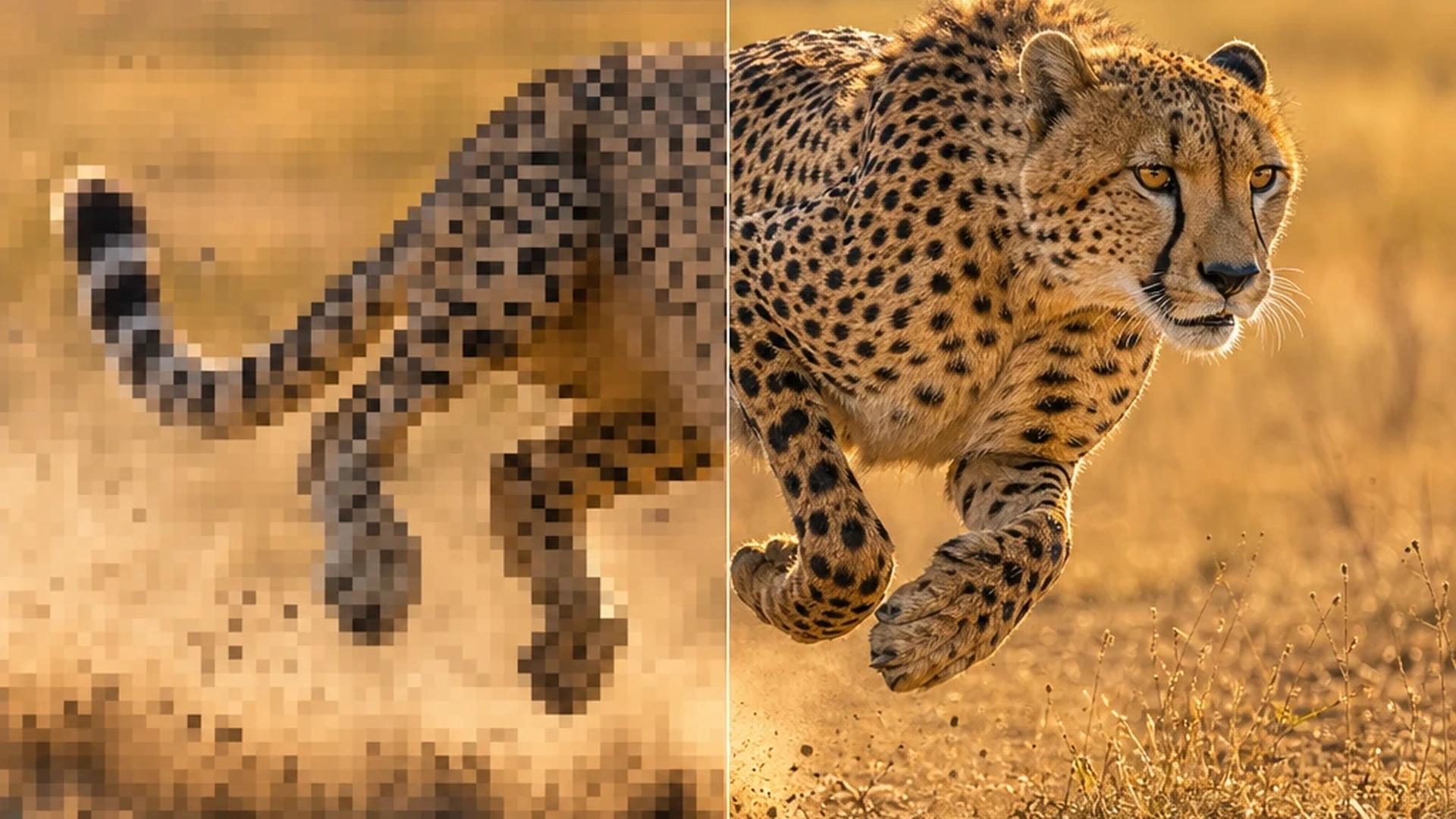
Use our AI Image Enhancer to sharpen images and boost resolution with a single click. Low-resolution, pixelated, or detail-poor images can quickly look clearer, cleaner, and more refined. Perfect for social posts, product showcases, poster designs, and everyday content creation.
Enhance colors, brightness, and contrast automatically
AI automatically improves color balance, brightness, contrast, saturation, and visual depth, making photos look cleaner, richer, and more polished. From landscapes and portraits to product images, you can achieve a more natural and professional look in seconds.
AI deblur, denoise, and reduce grain
Our AI image enhancement technology helps reduce blur, noise, and visible grain caused by missed focus, camera shake, or low-light conditions. By enhancing details and sharpness, blurry photos can become cleaner, crisper, and more visually usable.
Restore and sharpen old photos with AI
With AI old photo enhancement, you can easily improve blurry, faded, or detail-lost images and bring precious memories back to life. In just seconds, enhance photo clarity and detail so old pictures look clearer, fresher, and more natural.
Whether you are a content creator, social media blogger, or marketing team, the AI Image Enhancer helps you quickly improve everyday visual assets.
Content creators
Great for video thumbnails, blog images, and creative assets
When your source material looks low-quality, lacks detail, or feels dull, the AI Image Enhancer can quickly improve sharpness, color, and overall visual appeal.
Social media bloggers
Ideal for posts, Reels, thumbnails, and cover images
For photos that are too dark, slightly blurry, or not visually crisp enough, AI enhancement helps improve brightness, contrast, and image depth.
Marketing teams
Perfect for product images, ad creatives, and landing page visuals
When creating ads, email campaigns, and website visuals, you can use AI to quickly improve image clarity, resolution, and overall polish.
Upload your image, let AI enhance the quality, and download the high-resolution result in one click.
Upload a blurry, low-resolution, or quality-limited image. JPG, PNG, WebP, and other common formats are supported.
Automatically improve image clarity, resolution, colors, and fine details.
Preview the enhanced result and download a clearer, more natural high-resolution image.
Discover more practical tools for image conversion and AI generation, and complete a wide range of visual creation tasks with less effort.
Learn how the AI Image Enhancer improves image clarity, increases resolution, fixes blurry photos, and enhances overall image quality.
An AI Image Enhancer is an online image optimization tool that automatically improves image clarity, detail, and overall quality. Simply upload an image, and AI will intelligently optimize brightness, color, contrast, sharpness, and fine details so your photo looks clearer and more natural.





Explore image ideas and examples