Upload the image you want to enhance
Choose a common image format such as JPG, PNG, or WebP, and upload a low-resolution, blurry, pixelated, or small image that needs upscaling.
Limited-time offer: save up to 30% on subscriptions
Upgrade NowModel guide & tool preview. The descriptions and examples on this page do not mean this model or tool is available here. The current Banana 2.1 studio uses Nano Banana 2.1 Pro for text-to-image generation. Reference editing, additional models and dedicated photo tools are coming soon. Open the current image studio →
Click to Upload Image
Supports JPEG, PNG, WEBP format, up to 10 MB
The uploaded image’s longest side in pixels × the upscale factor must not exceed 20,000 pixels.
The AI Image Upscaler is primarily designed to increase image resolution and dimensions. If you would rather remove blur and noise, improve clarity and color, or restore old photos, try the AI Image Enhancer.
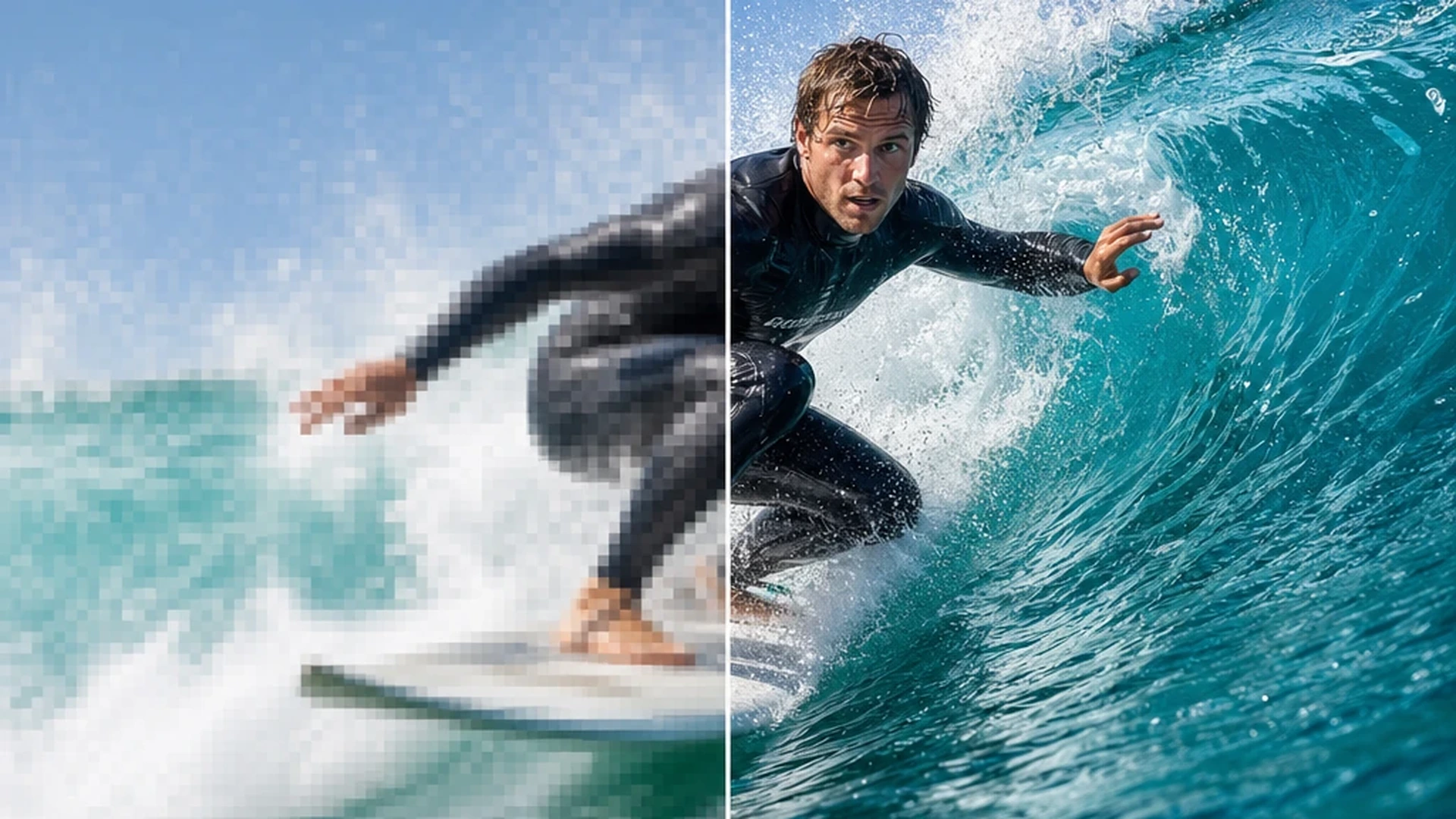
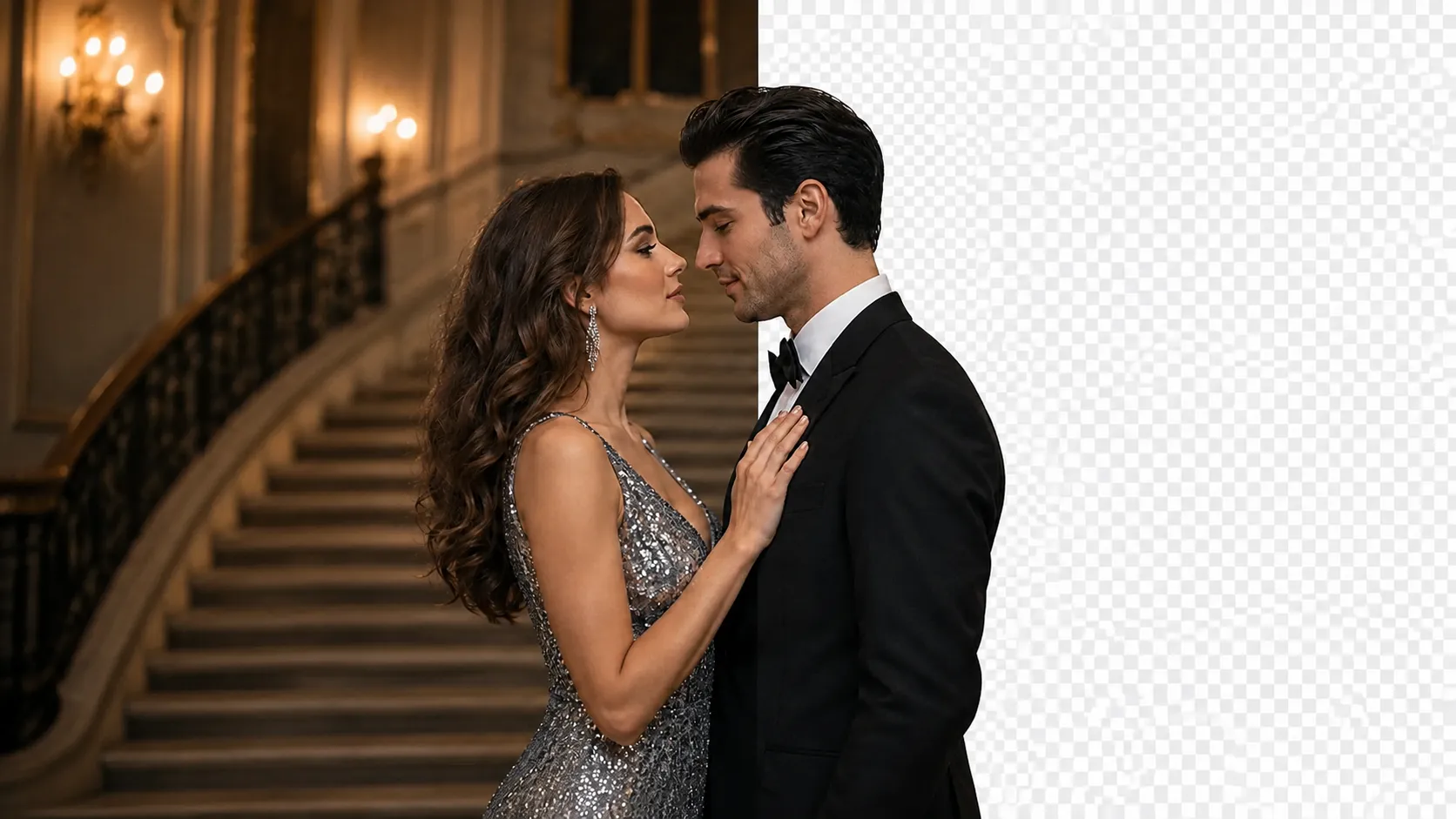
Use AI-powered image processing to increase resolution and improve clarity while enhancing edges, textures, and fine details. Perfect for sharpening low-resolution images, optimizing product photos, upgrading social media visuals, and restoring everyday photos.
High-Quality Print Preparation
Prepare images for posters, banners, photo albums, marketing graphics, and other high-quality output needs. Improve detail and visual sharpness before printing to help reduce blur, pixelation, and rough edges in the final result.
Sharper Product Images for E-Commerce
Upscale low-resolution product photos, older assets, or compressed product images with improved resolution and detail. Make product listings, detail pages, and ad creatives look clearer, more professional, and easier for shoppers to view.
Old Photo Clarity Enhancement
Enhance old photos that look blurry, grainy, or low in resolution. AI helps improve facial outlines, background details, and overall clarity, making it useful for photo backups, family albums, print preparation, and everyday sharing.
Clearer Visuals for Social Media
Turn blurry, compressed, or pixelated images into cleaner, sharper visual assets for Instagram, Facebook, TikTok, blog covers, and ad creatives, helping your content look polished and more professional.
Upload your image, let AI improve its resolution and clarity, then preview and download the larger, sharper result.
Choose a common image format such as JPG, PNG, or WebP, and upload a low-resolution, blurry, pixelated, or small image that needs upscaling.
The system analyzes your image, increases resolution, improves clarity, and enhances edges, textures, and local details.
Once processing is complete, preview the enhanced result and download the high-resolution version for e-commerce, social media, print, or personal use.
Explore more AI tools for enhancing, transforming, and generating images.
Find answers about image formats, processing speed, free credits, old photo enhancement, 4K output, and image privacy.
An AI image upscaler is an online tool that uses artificial intelligence to improve image clarity and resolution. It can enlarge an image while enhancing edges, textures, contours, and details, making low-resolution images look clearer and more natural.



Explore image ideas and examples